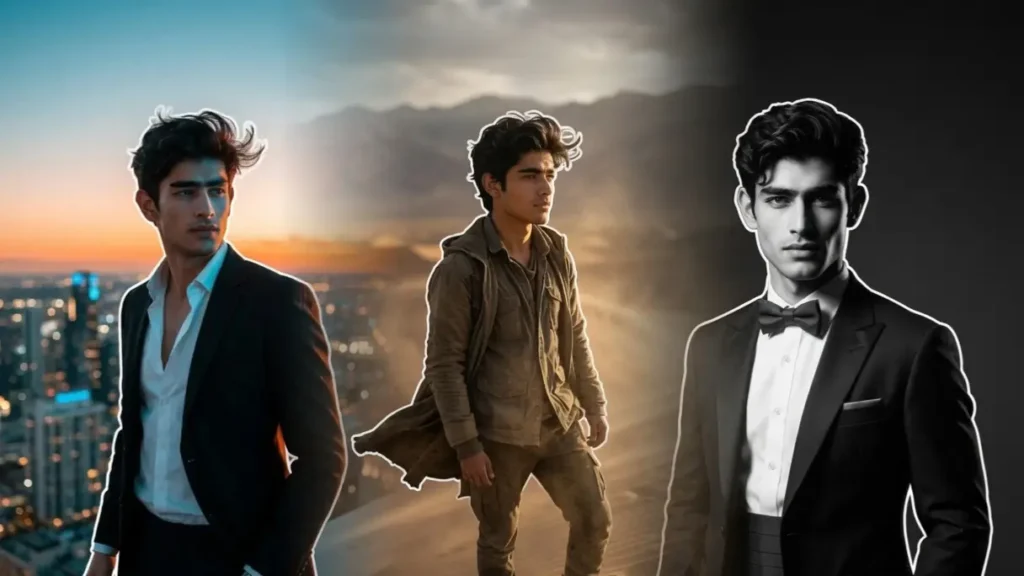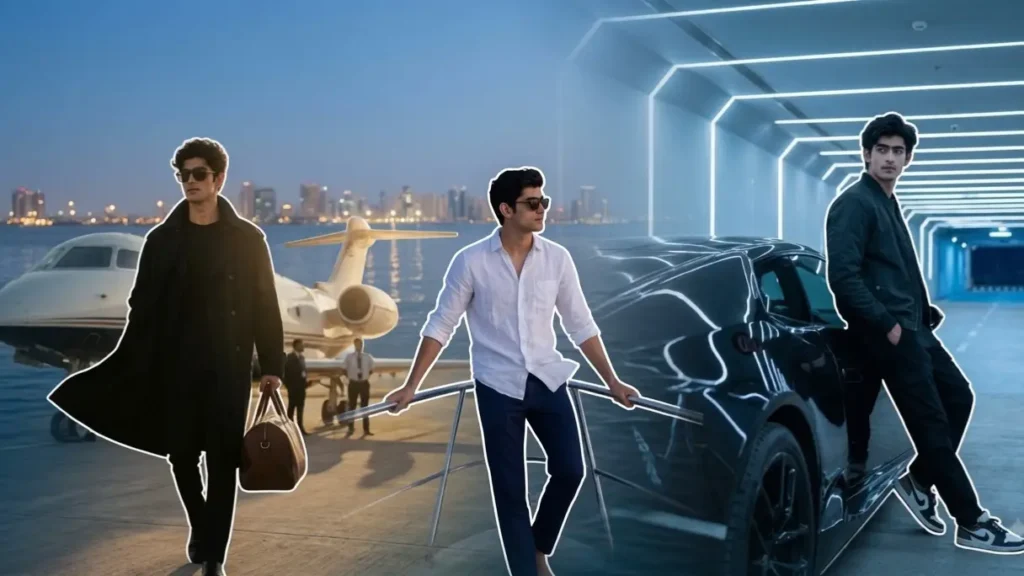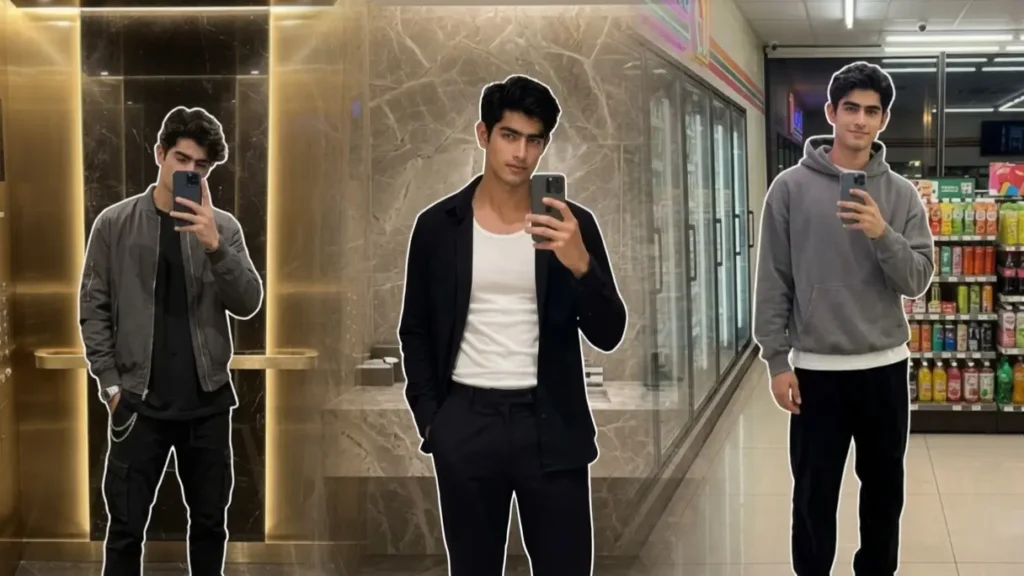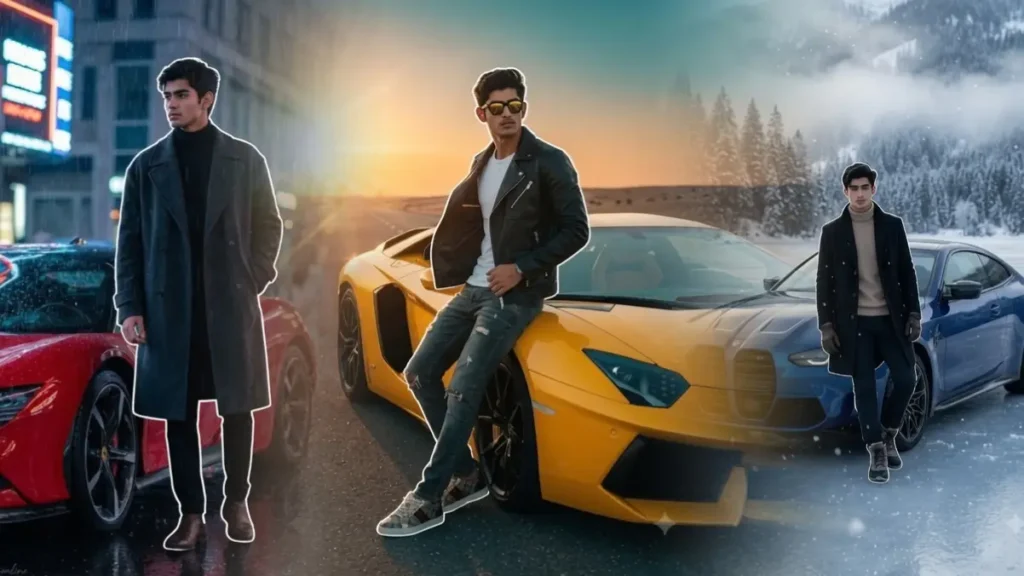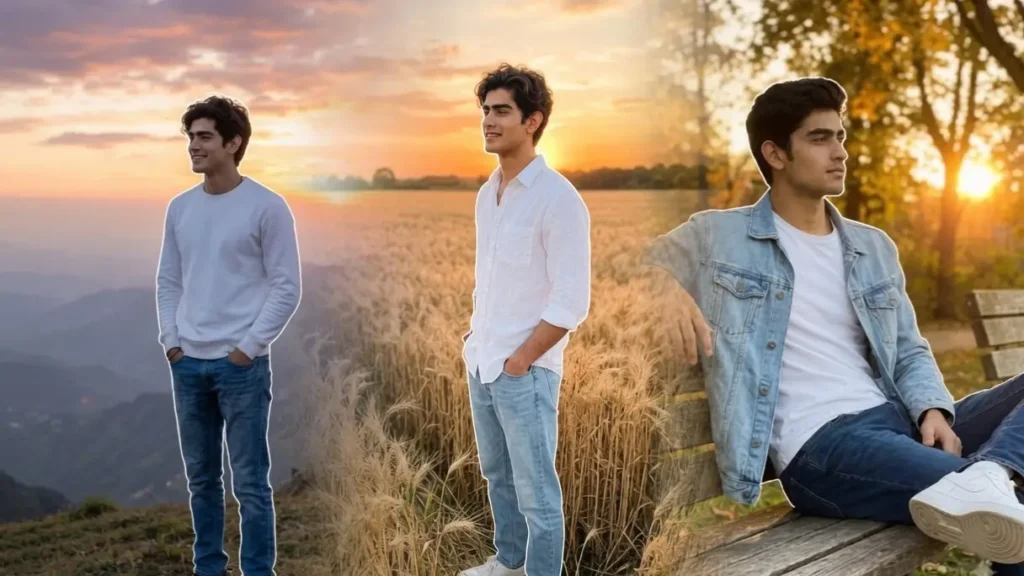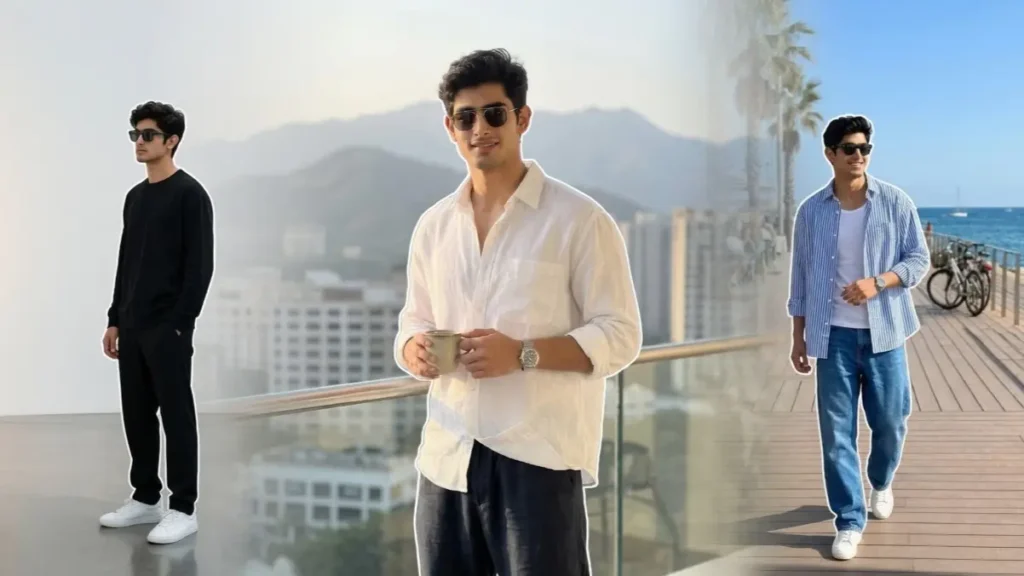
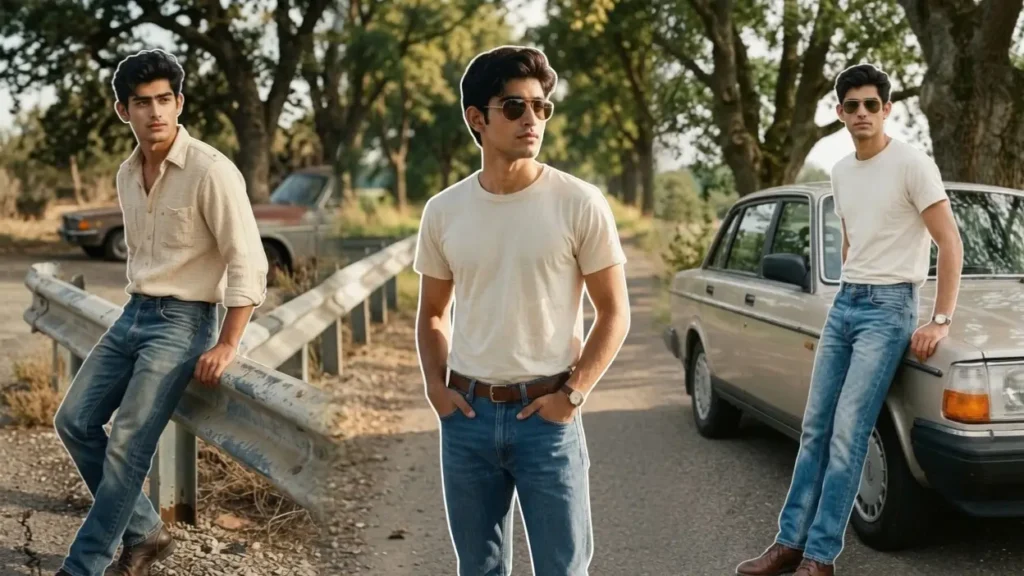
You might have noticed that as the AI image generation is getting popular, it is also increasing some particular types of prompts that everyone try to achieve once and Retro portraits are one of them. As we grew up with the stories of 90s glamour and iconic fashion sense. So it is obvious that everyone want to experience those vibes once and today tools like Gemini and ChatGPT have made that dream true.
What is a Gemini Retro Portrait Prompt?
If you are pro, then you can skip these basics and can directly go to prompts, copy and use them in Gemini. But most of my basic users are often confused by what is a prompt. So simply prompt is a instruction or command that tells any AI tools, what results to give to the user. So, if it is that easy why do people search copy paste Gemini prompts on Google. The answer to this question simply lies in the quality of prompt.
Like if you give Gemini your face photo and ask it to create a full body image. With this simple prompt, Gemini can generate image with infinite possibilities like different background, location, clothes, posture, lighting, colour grading or maybe camera angle. To avoid this you give it a detailed prompt defining every aspect. So, this way you will get perfect results.
Now for different instagram AI trends you can’t simply spend 10-15 minutes to decode the prompt , for that people go to these ready to use copy paste Gemini prompts sites and use any prompts they like without wasting time. So today I’m gonna save you a lot of time that i wasted myself so you don’t have to. These retro prompts are fully ready to use, no extra work is needed unless you try to modify some basic details like clothing or camera angle.
Also i solved one of the biggest concerns in these AI photos and that is facial consistency. Don’t worry, all my prompts not only in this article but all over my site will give you exact face in the results as the uploaded photo. But beside that just follow 2 more important steps to make these prompts work perfectly: use a close-up face photo, so Gemini can extract maximum facial details, use pro model instead of flash for best accuracy.
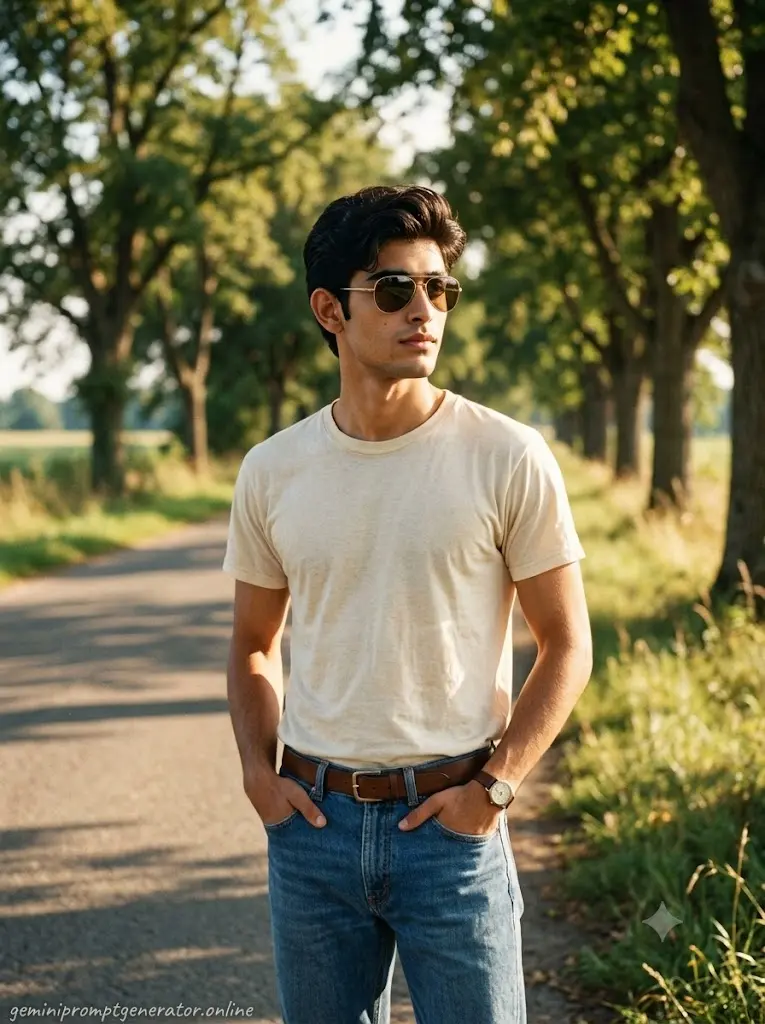
The photo should feel like it was discovered inside an old family film album from the late 1980s. Keep the uploaded person’s real face while placing him on a quiet roadside lined with old trees. He wears a faded cream shirt tucked into classic blue straight-fit denim jeans with a brown leather belt, vintage analog wristwatch and retro aviator sunglasses. His hands rest casually inside the pockets while looking away from the camera. Warm afternoon sunlight, Kodak Gold film colors, slight film grain, authentic color fading, realistic skin texture, subtle lens softness, natural background with no modern buildings or cars visible.Quality: 8K • Aspect Ratio: 3:4 • Add “geminipromptgenerator.online” as a subtle handwritten watermark at the bottom-left.
 Copy
Copy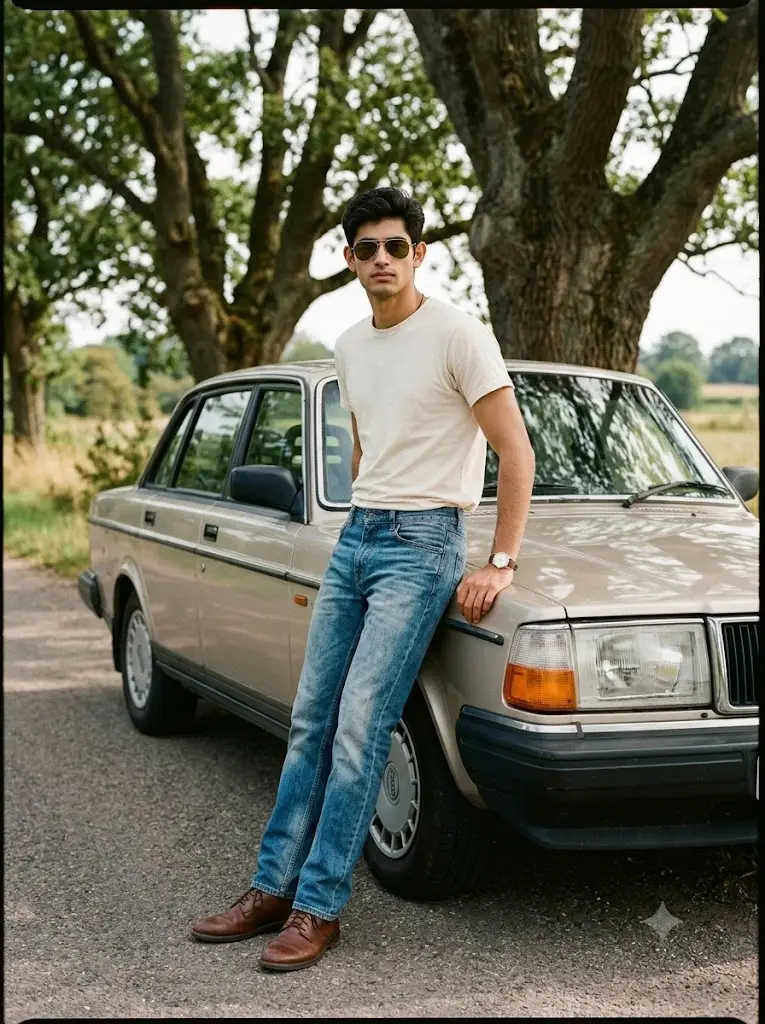
1990s retro photography, keep uploaded face, faded blue jeans, cream shirt, brown leather shoes, vintage aviator sunglasses, analog wristwatch, quiet roadside, old trees, Kodak Portra colors, authentic film grain, natural daylight, balanced exposure, realistic skin texture, soft shadows, Canon AE-1 film camera, nostalgic mood, no modern objects, ultra realistic. No smile. Keep normal face3:4 • 8K
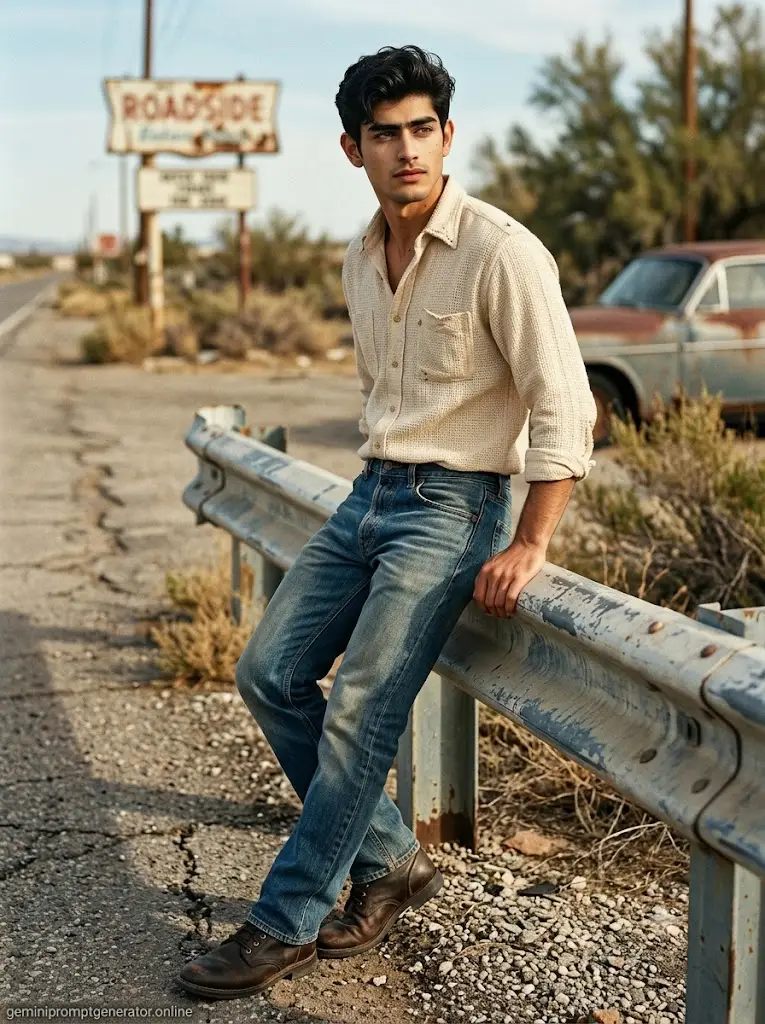
Ultra realistic retro portrait, uploaded face, cream vintage shirt, blue jeans, brown leather shoes, old roadside, Kodak film colors, analog camera feel, realistic daylight, authentic skin, subtle grain, nostalgic photography.8K | 3:4 | Bottom-left watermark: geminipromptgenerator.online
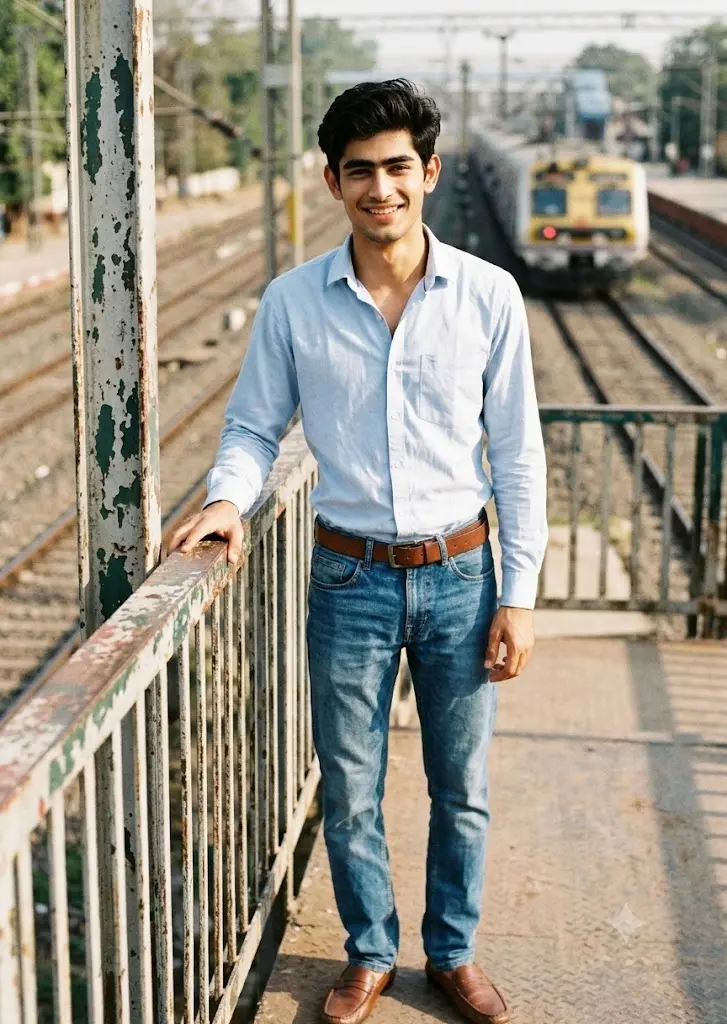
Camera: Nikon FM2 (35mm Film)Lens: 50mm f/1.8Film Stock: Kodak Gold 200Subject: Uploaded person’s real face.Location: Railway footbridge with old painted railings.Pose: One hand resting on the railing, relaxed smile.Wardrobe: Light blue shirt, vintage jeans, leather belt, brown loafers.Natural sunlight, authentic film grain, faded colors, realistic skin texture, no HDR, no cinematic lighting.
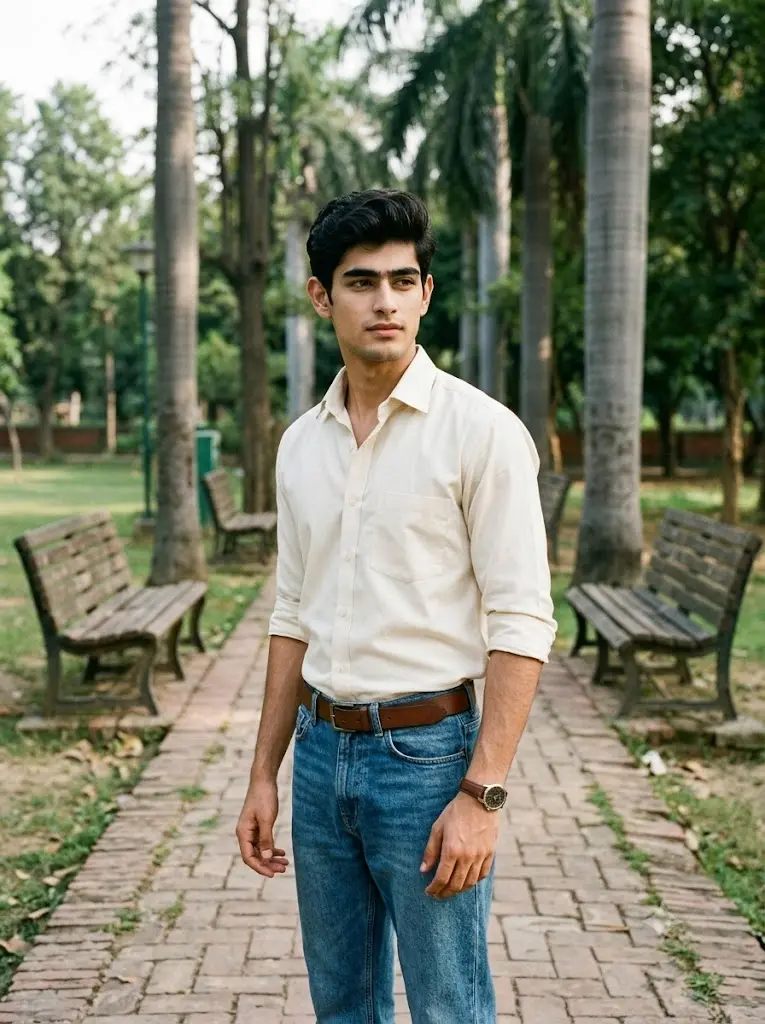
Today’s editorial shoot celebrates classic men’s fashion before the smartphone era. The uploaded person should appear naturally confident wearing a neatly tucked cream shirt with vintage denim jeans and classic brown accessories. The setting is a peaceful public park walkway with old benches, tall trees, and worn brick pathways. The colors should resemble scanned Kodak negatives rather than digitally enhanced photography. Facial details remain realistic with no AI smoothing. Gentle film grain, natural daylight, realistic shadows, and soft contrast complete the image. Aspect ratio 3:4
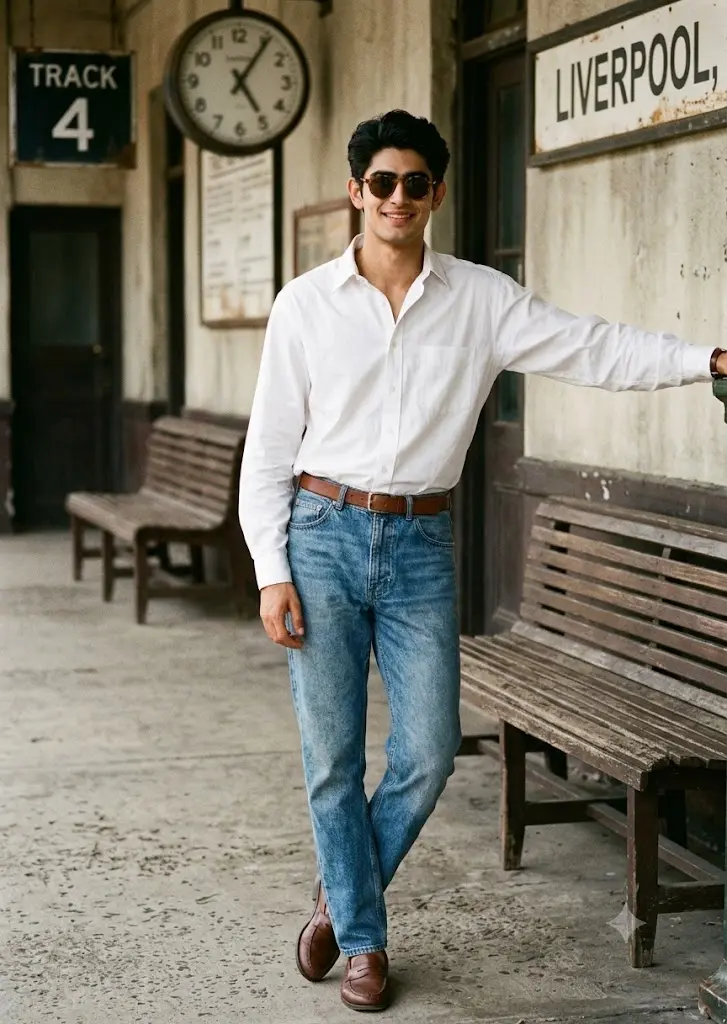
Cover Theme: “Retro Weekend”The photograph should look like a fashion magazine feature from 1992. Use the uploaded person’s face while styling him in a classic tucked-in white shirt, faded blue jeans, leather belt, brown loafers, and vintage sunglasses. The location is an old railway platform with weathered benches, analog station clock, faded signboards, and textured concrete flooring. Natural daylight creates realistic shadows across the platform while preserving authentic skin tones. Colors remain slightly faded like an aged film print with fine grain throughout the image. No exaggerated editing, no AI glow, no fantasy effects—only genuine retro photography.
What Actually Makes A Photo Look Retro?
Most people think adding film grain instantly creates a retro image, but during my testing I realized that’s only a small part of the process.
Real retro photography usually includes faded colors, softer contrast, warmer daylight, natural skin tones, slightly imperfect sharpness, and clothing that matches the time period. Even the background plays an important role. Modern buildings, LED lights, and luxury cars immediately make the illusion disappear.
Instead of forcing old effects onto a modern scene, I prefer building the entire photograph around a believable vintage environment.
Why I Avoid Heavy Vintage Filters
One mistake I made early on was adding too many “old photo” effects. Scratches, dust, excessive yellow tint, and extreme grain often made the images look edited rather than genuinely old.
After comparing dozens of generations, I found that subtle film grain and realistic daylight usually produce much better results than aggressive vintage filters. The image should still look clean enough that someone could mistake it for a real photograph taken decades ago.
Small Details That Completely Change The Retro Feel
Some of the biggest improvements came from surprisingly small additions.
Instead of saying “retro outfit,” I described tucked-in shirts, straight-fit denim jeans, leather belts, analog watches, and vintage sunglasses. Replacing modern backgrounds with tree-lined roads, railway platforms, boardwalks, and quiet public parks instantly made the photos feel more authentic.
These small changes consistently produced stronger results than simply making the prompts longer.
My Favorite Film Looks For Gemini
Whenever I create retro portraits, I usually experiment with different photographic styles rather than different AI effects.
Some of the looks I return to most often include:
- Kodak Gold 200 for warm outdoor portraits
- Kodak Portra for balanced skin tones
- Fujifilm-style colors for soft greens and blues
- Classic 35mm analog photography
- Slight matte contrast with gentle color fading
- Natural daylight instead of artificial lighting
These styles help create nostalgia without making the image feel unrealistic.
Before You Modify These Prompts
Each prompt is designed as a complete scene, but you can easily personalize it.
You can replace the clothing, hairstyle, accessories, or even the location while keeping the photography style unchanged. I usually recommend changing only one or two elements at a time because large edits often make the overall vintage aesthetic less consistent.
For example, changing a checked shirt to a denim jacket works well. Replacing the entire scene with futuristic buildings usually doesn’t.
Common Mistakes That Ruin Retro AI Photos
These are the issues I see most often:
- Adding modern cars or LED billboards.
- Using neon lighting instead of natural sunlight.
- Making the film grain excessively strong.
- Over-saturating colors.
- Mixing vintage clothing with modern architecture.
- Using unrealistic HDR processing.
- Adding unnecessary cinematic effects.
Keeping the scene simple usually creates a much more believable retro portrait.
FAQs
Do I Need Vintage Clothes To Use These Prompts?
No. Gemini can generate retro clothing automatically if it’s described clearly in the prompt. You can also replace the outfits with your own preferred vintage style.
Which Time Period Do These Prompts Recreate?
Most of the prompts are inspired by the late 1980s and early 1990s because that style works especially well with natural outdoor photography and classic casual fashion.
Can I Change The Film Style?
Yes. You can swap Kodak Gold, Kodak Portra, Fujifilm, or other film-inspired color profiles depending on the mood you want. Each one creates a slightly different vintage appearance.
Why Don’t These Prompts Use Heavy Vintage Filters?
Because realistic retro photography usually comes from natural lighting, clothing, and composition rather than extreme editing effects. Keeping the colors subtle often produces a far more convincing result.
Will Gemini Preserve My Face?
If you upload a clear, high-quality photo, Gemini generally preserves facial identity well. I recommend using naturally lit images without heavy beauty filters for the best results.
Can I Use These Images On Instagram Or As Wallpapers?
Yes. These retro prompts work well for Instagram posts, profile pictures, wallpapers, Pinterest pins, and personal photography projects where you want a nostalgic film-inspired look.