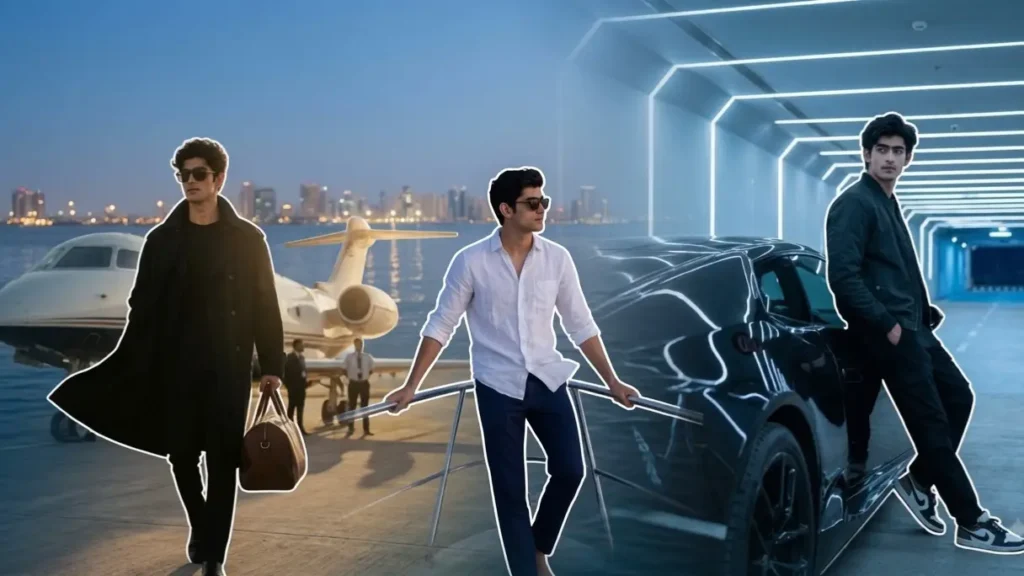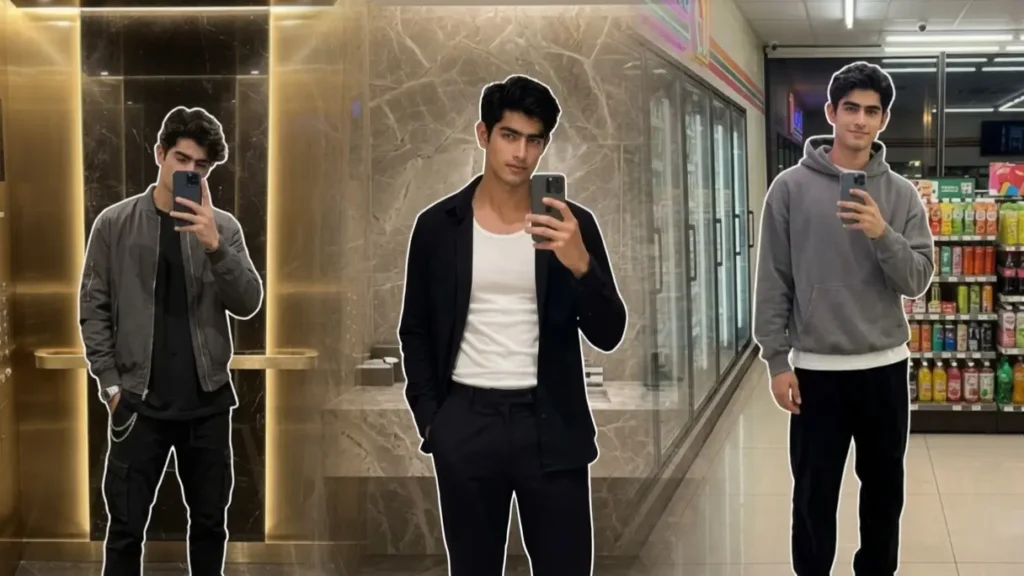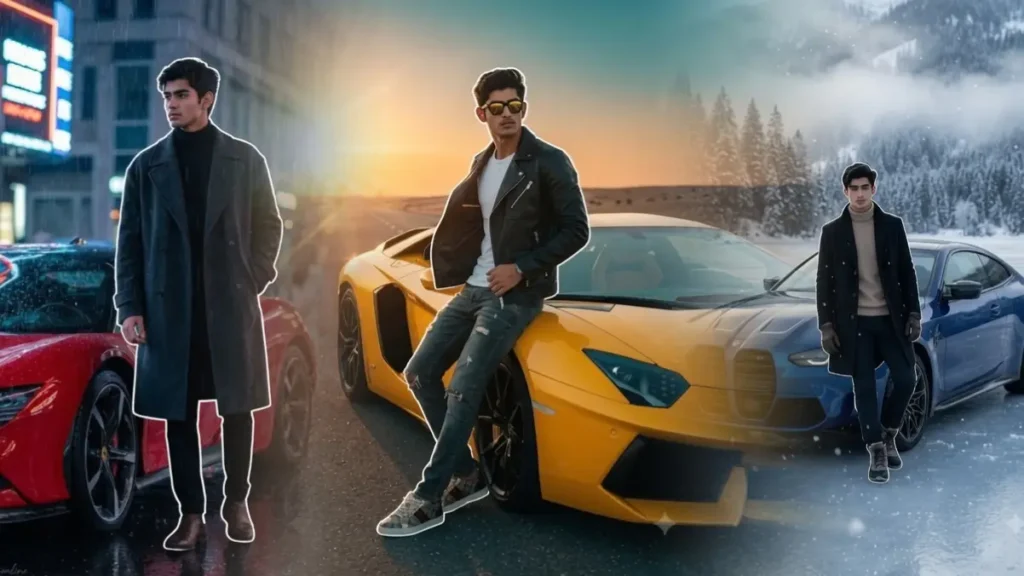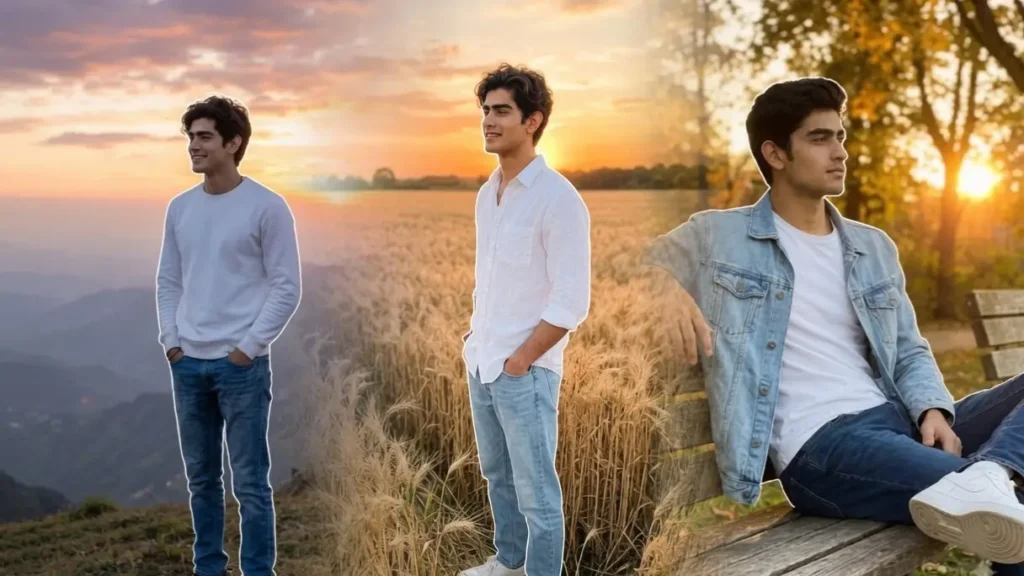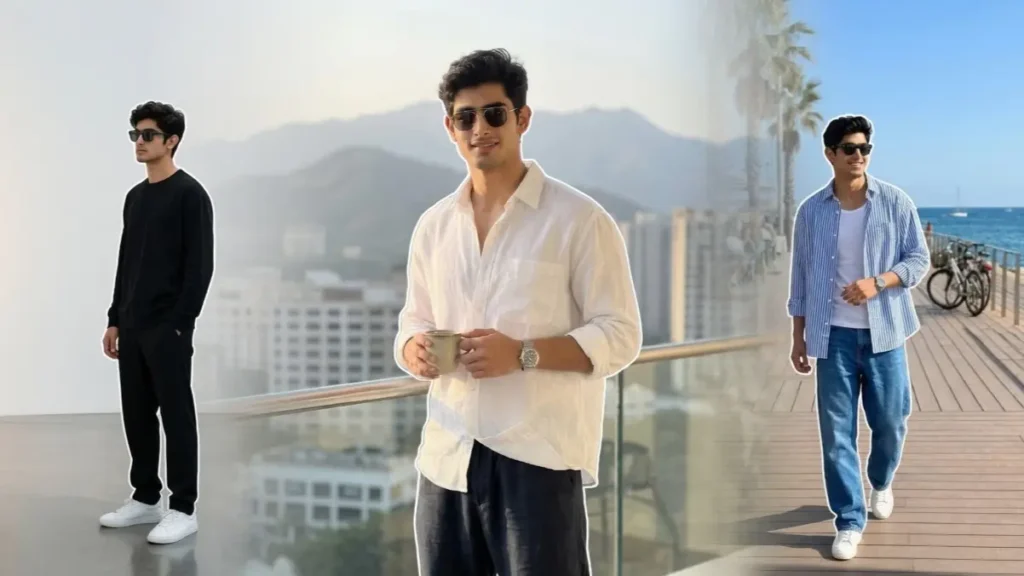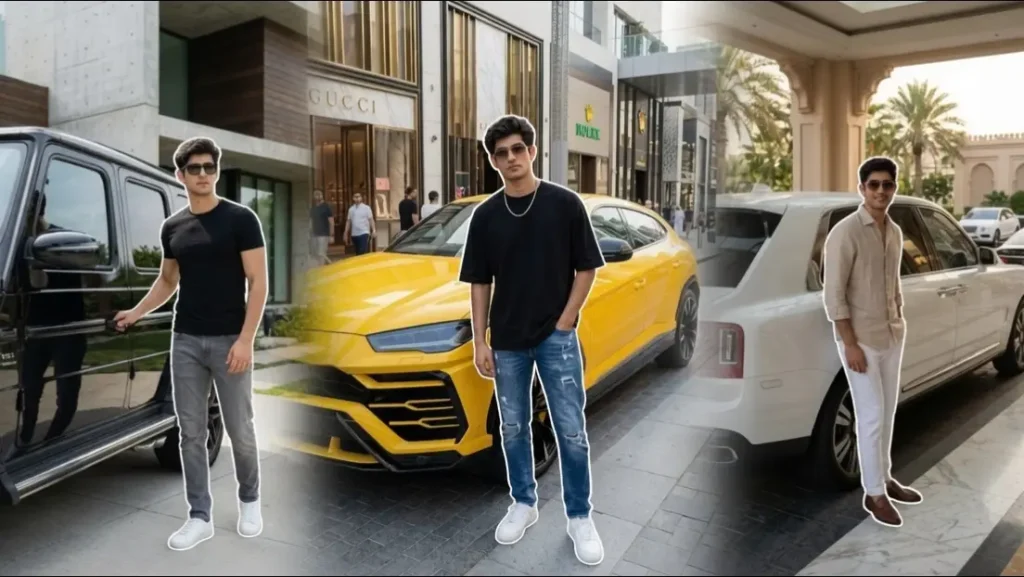
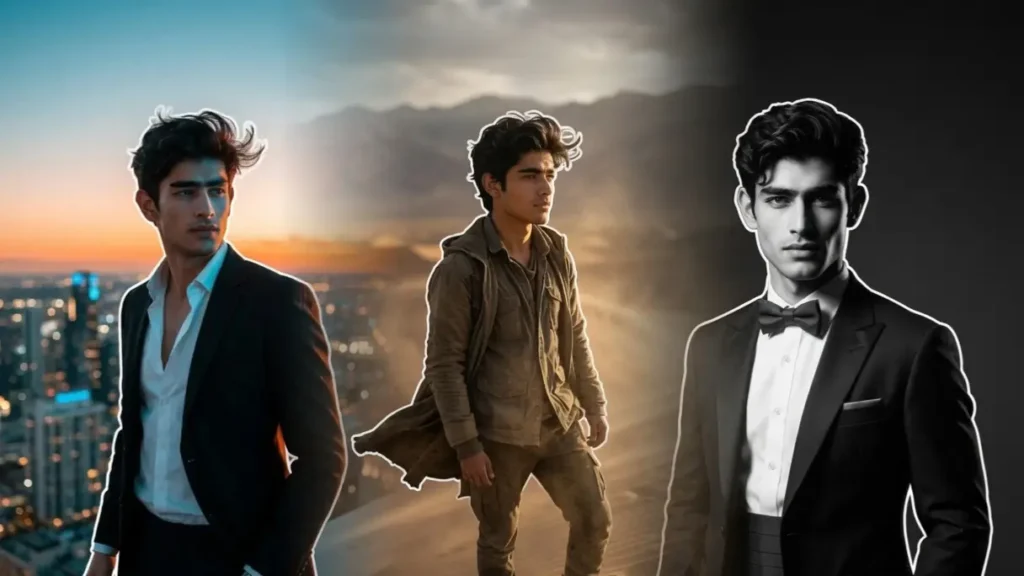
Hi, Zubair here! Past few weeks I have been testing different lighting styles, camera angles, and scene descriptions across multiple Gemini image models to create Gemini boys prompts for Cinematic Portraits.
During my early tests, I noticed that many prompts produced repetitive images, unrealistic lighting, or overly artificial faces.
To solve this, I personally experimented with dozens of combinations involving cinematic color grading, DSLR lens settings, environmental storytelling, and realistic lighting directions and even aspect ratio.
Finally I poured all my hardwork in this collection and is also has been refined to make sure the portraits look more like frames from a movie rather than standard AI-generated images with smoke effects and just dark overlay.
I will try to update these prompts whenever Gemini receives new image-generation improvements so that you guys can continue getting the most realistic results possible. Don’t forget to read the instructions after the prompts so you get the perfect results.
Feel free to share them and follow us for more such awesome Gemini Prompts for boys and girls with different styles.
The Last Train Home
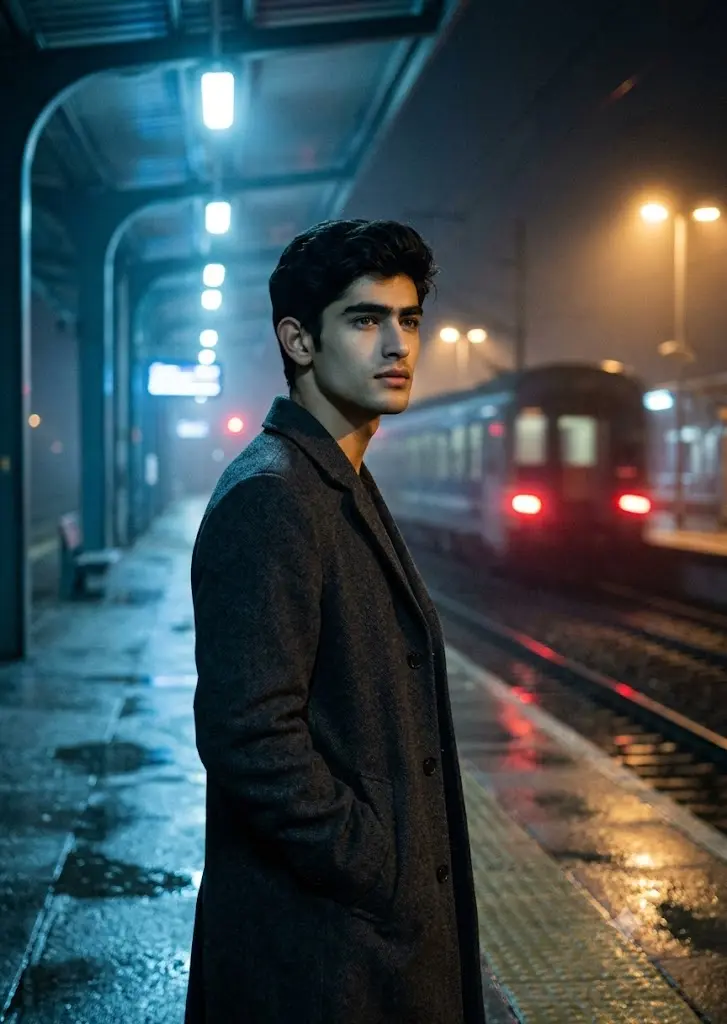
A lonely train platform at midnight. The user is standing beside an old railway track wearing a charcoal wool overcoat with both hands in pockets. One train has just departed, leaving motion blur and glowing tail lights behind. Cool blue station lights mix with warm sodium lamps, creating cinematic contrast on the face. Light rain has recently stopped, leaving reflective puddles across the platform. The subject looks slightly away from the camera with a calm, thoughtful expression. Shot from waist level using a 35mm cinematic lens, shallow depth of field, realistic skin texture, atmospheric mist, subtle film grain, emotionally rich movie still aesthetic.
 Copy
CopyKing Of The City
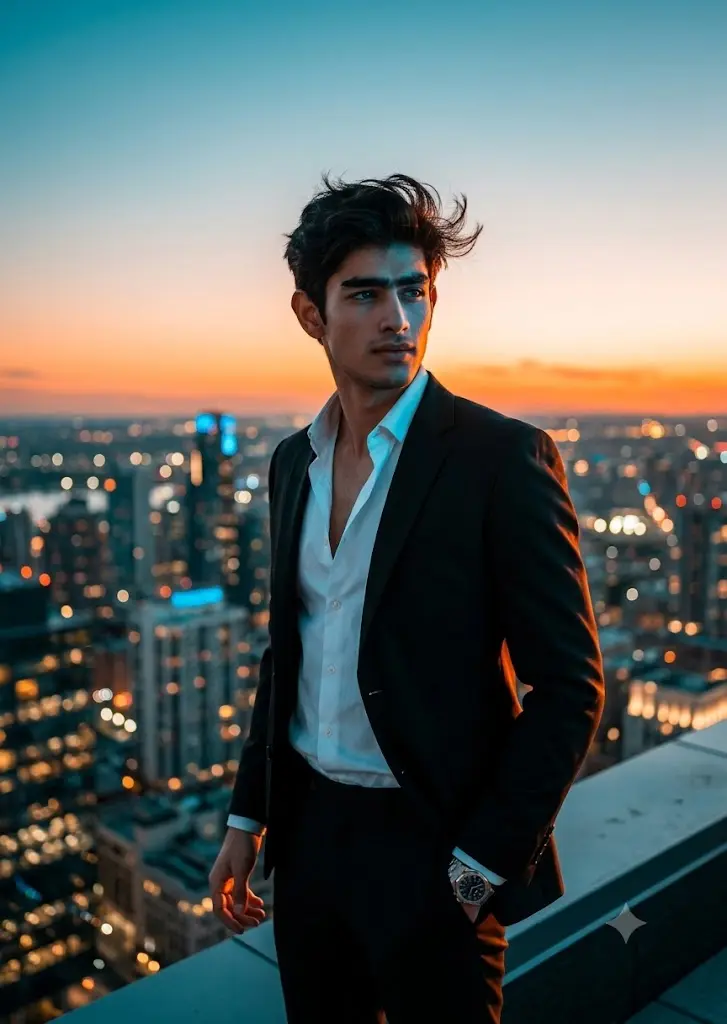
Place the user on the edge of a luxury penthouse rooftop overlooking an enormous city skyline after sunset. The camera is positioned slightly below eye level to emphasize dominance and confidence. The subject wears a tailored black suit with an unbuttoned shirt, wind gently moving the fabric. Countless city lights create natural bokeh in the background. Strong orange rim lighting from the setting sun outlines the body while cool city reflections illuminate the face. Luxury watch, confident body language, cinematic teal-orange grading, ultra realistic editorial photography.
Desert Nomad Sequence
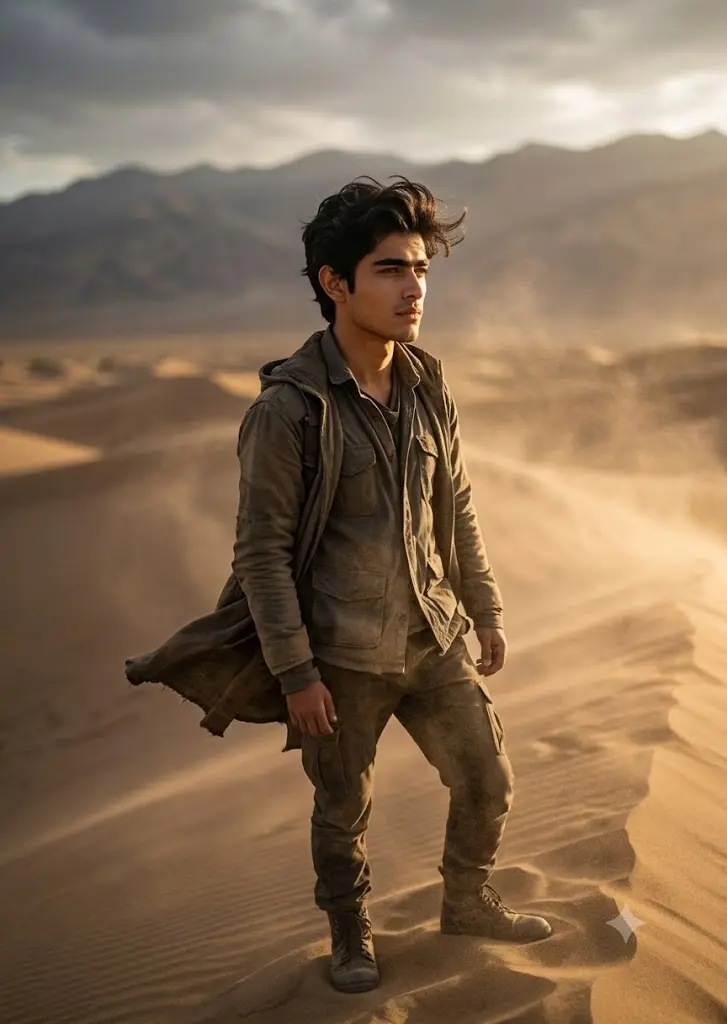
Imagine a vast empty desert stretching endlessly beneath dramatic skies. The user stands alone on a sand dune while a powerful wind carries dust across the frame. Clothing moves naturally in the breeze. Golden hour sunlight creates long shadows and warm highlights across the face. Low-angle composition increases visual impact. Distant mountains appear softly blurred in the background. Warm earthy tones dominate the color palette, creating a rugged cinematic travel documentary aesthetic captured with a 50mm DSLR lens.
Coffee, Silence, And Morning Light
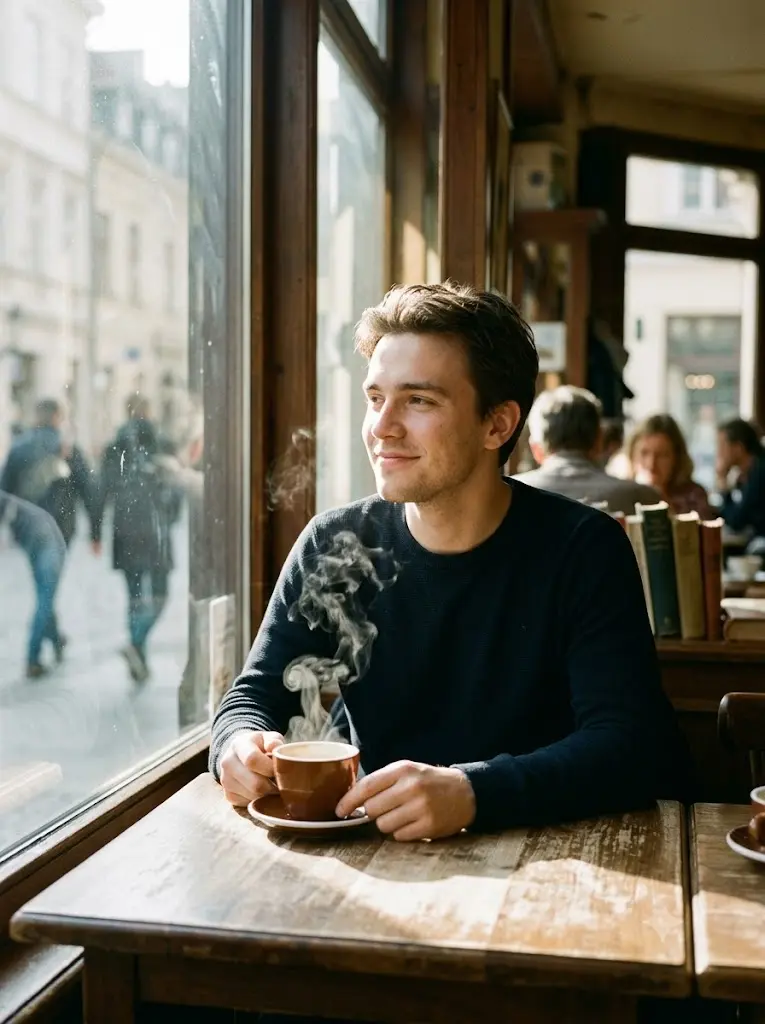
Inside a small European-style café, the user sits beside a large window enjoying a quiet morning. Soft sunlight passes through the glass, creating beautiful highlights across the face and subtle shadows on the table. Steam rises from a cup of coffee while blurred pedestrians move outside the window. Relaxed posture, genuine candid expression, warm color palette, realistic café interior details, creamy background blur, soft cinematic film look inspired by independent European cinema.
Black And White Legacy Portrait
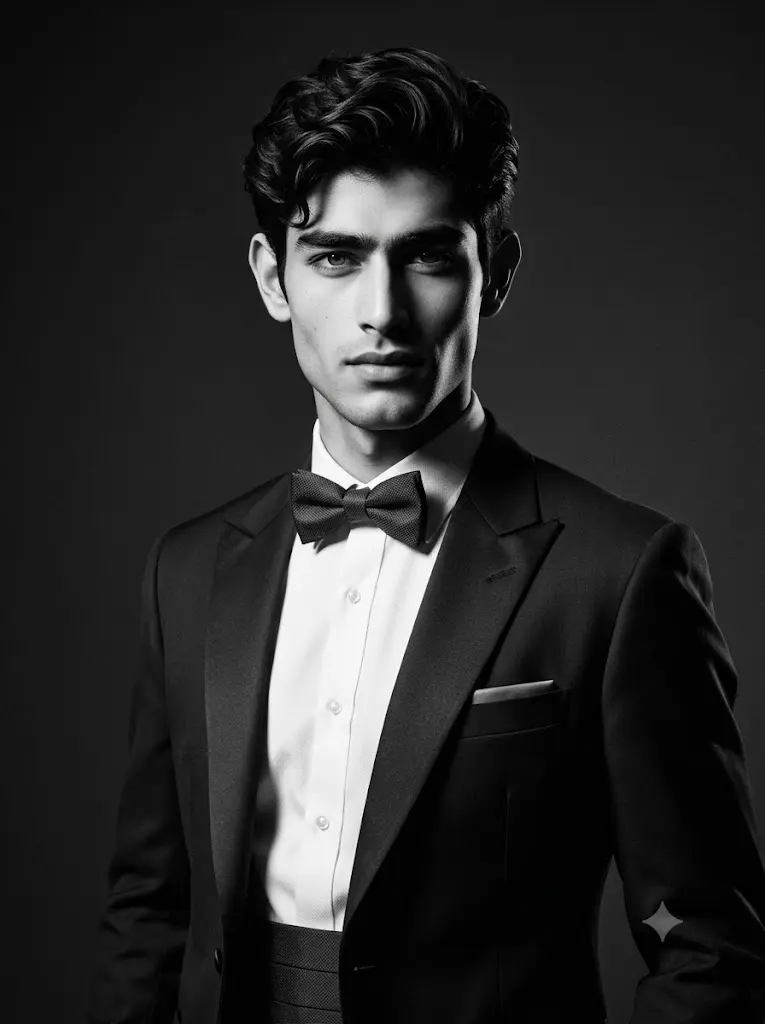
Create an elegant monochrome portrait inspired by classic Hollywood photography from the 1950s. The subject wears a perfectly fitted tuxedo and stands in a minimalist studio environment. Powerful directional lighting creates dramatic chiaroscuro shadows, emphasizing facial structure and jawline. No modern elements should appear in the frame. High contrast black-and-white grading, timeless sophistication, subtle film grain, medium-format camera realism, luxury magazine cover quality.
Night Drive Billionaire Aesthetic
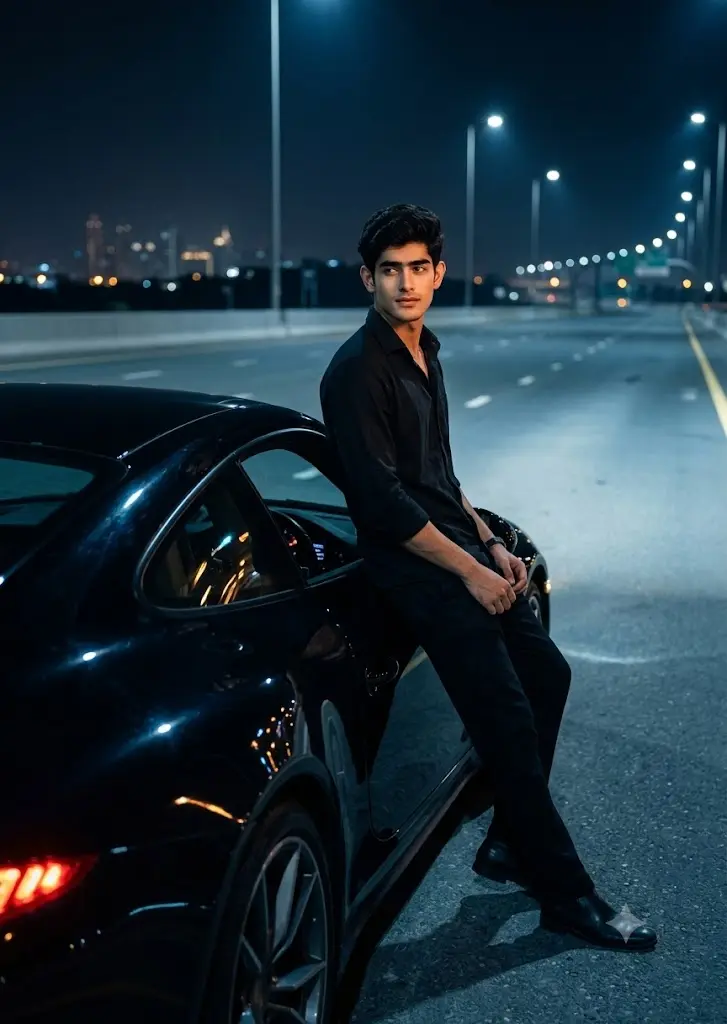
Position the user beside a luxury sports car parked on an empty highway late at night. The scene is illuminated entirely by vehicle headlights, distant street lamps, and subtle city glow from far away. The subject leans casually against the car while looking away from the camera with a composed expression. Reflections dance across the polished car surface. Cool blue shadows contrast with warm headlight illumination. Cinematic luxury aesthetic, ultra-realistic skin details, premium magazine photography, rich dark color grading, dramatic nighttime atmosphere.
How I Use These Gemini Cinematic Portrait Prompts
Using these prompts is straightforward, but I have found that a few small adjustments can dramatically improve the final image quality.
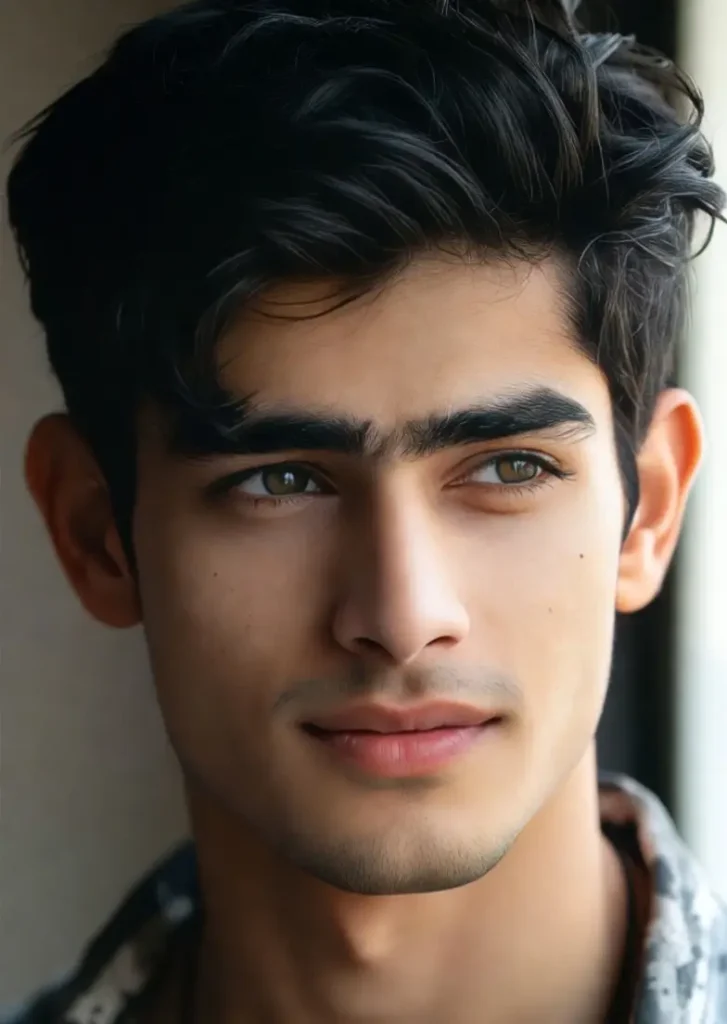
Step 1: Upload A High-Quality Photo
I always start with a clear photo where the face is visible and well-lit. Sharp images with natural lighting generally produce the best cinematic results.
For these prompts, I used the following image.
Step 2: Copy Any Prompt From This Collection
Choose a prompt that matches the atmosphere you want, whether it is luxury, street style, noir, travel, or editorial photography.
Step 3: Paste The Prompt Into Gemini
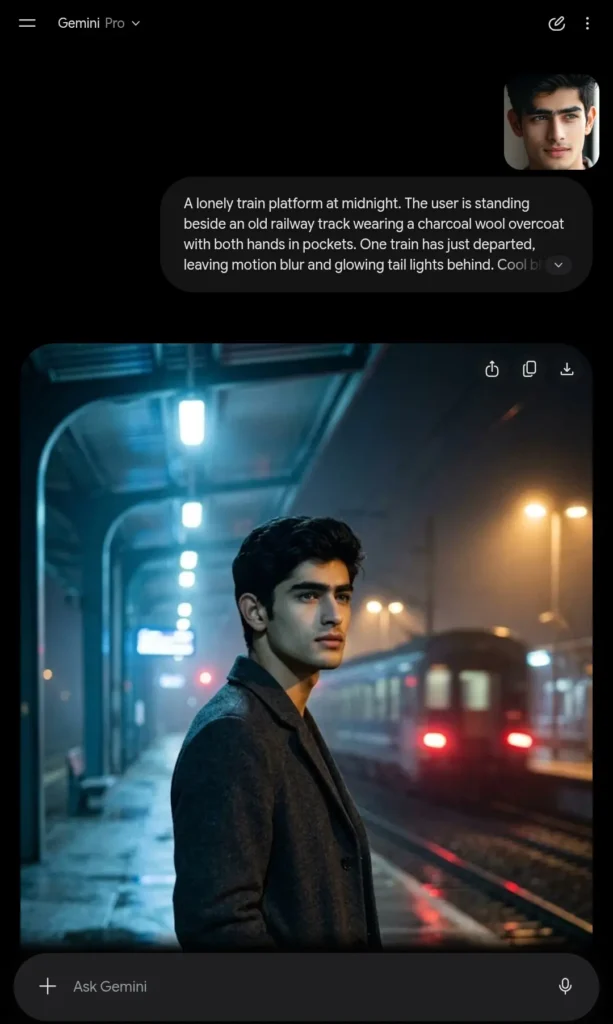
Open Gemini, upload your image, and paste the entire prompt without removing the lighting or camera details. In my testing, keeping these details intact significantly improves realism.
Step 4: Generate Multiple Versions
I rarely use the first result immediately. I usually generate 2–4 variations and select the most realistic output.
Extra Tips I Personally Use For Better Results
Use Photos With Natural Facial Lighting
From my experience, images taken in daylight, outside or near windows preserve facial identity much better than dark or heavily filtered photos.
Avoid Overediting The Original Photo
I have found that heavily beautified selfies often confuse AI models and can lead to unnatural facial features.
Keep The Prompt Details Intact
Many users shorten prompts to save time, but I consistently get better results when I keep all camera, lighting, and atmosphere descriptions unchanged.
Match The Photo Angle With The Prompt
For example, if the prompt describes a side-profile portrait, I try to upload a photo with a similar angle. This usually improves facial consistency.
Generate More Than Once
Even with the same prompt, Gemini can produce different outputs. I often generate several versions before selecting my favorite.
Add Lens Information Whenever Possible
Including details such as 35mm lens, 50mm lens, or 85mm portrait lens has noticeably improved realism in many of my tests.
Use Cinematic Lighting Keywords
Some of my favorite keywords for realistic portraits include:
- soft rim lighting
- golden hour lighting
- cinematic backlighting
- volumetric light rays
- shallow depth of field
- realistic shadows
- subtle film grain
- DSLR photography
These small additions consistently help me create portraits that look more like professional photography rather than AI artwork.
So, what if you have another image and want to create something similar, but don’t want to waste time writing a detailed prompt? That’s exactly when our Image-to-Prompt Generator can help.Just:
- go to our Gemini Prompt Generator
- Upload the image you want to generate a prompt for
- Hit the Generate Prompt button
- In seconds you’ll get a ready-to-use prompt.
- Simply copy it and paste it into Gemini and unlock viral results with the perfect Gemini AI photo prompt.
Frequently Asked Questions
Do I Need A Professional Photo To Use These Prompts?
No. I have successfully tested these prompts with ordinary smartphone photos. However, clear and well-lit images generally produce the most realistic cinematic portraits.
Will Gemini Change My Face?
In most cases, Gemini preserves facial identity well if you upload a high-quality image. I recommend avoiding heavily edited source photos for the best results.
Can I Change The Clothing Or Background?
Yes. You can easily replace clothing, locations, weather, or color themes inside any prompt while keeping the cinematic style intact.