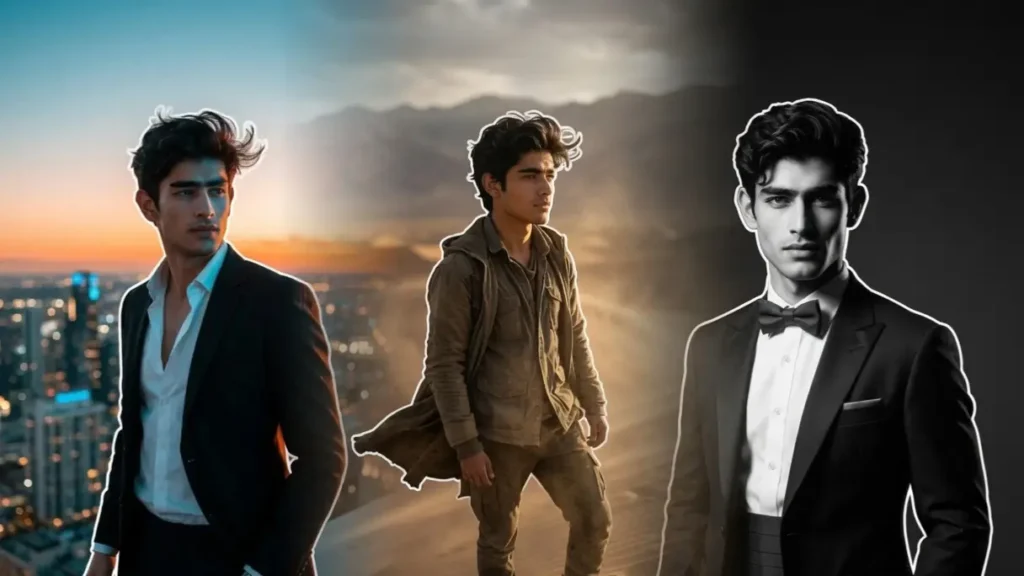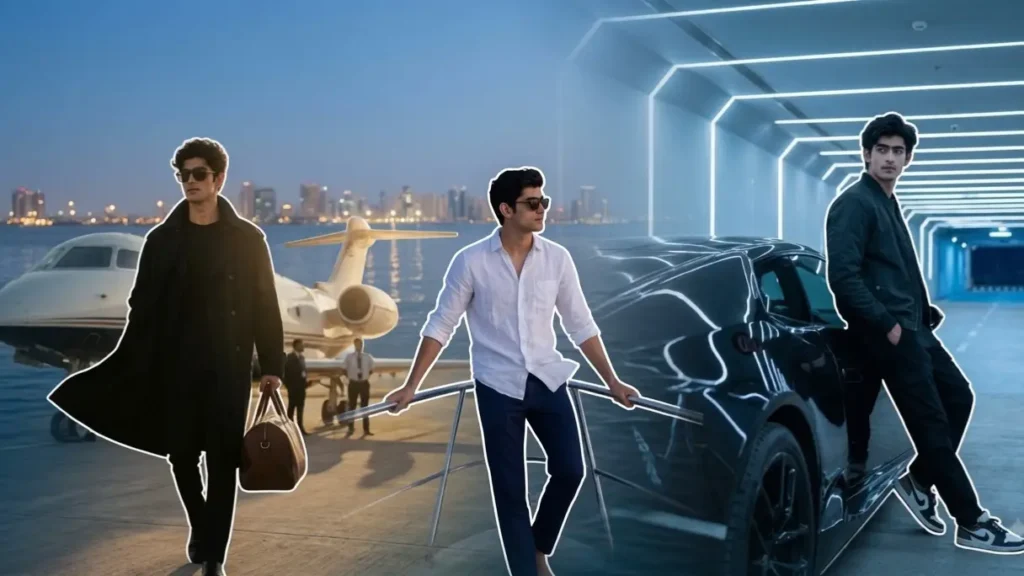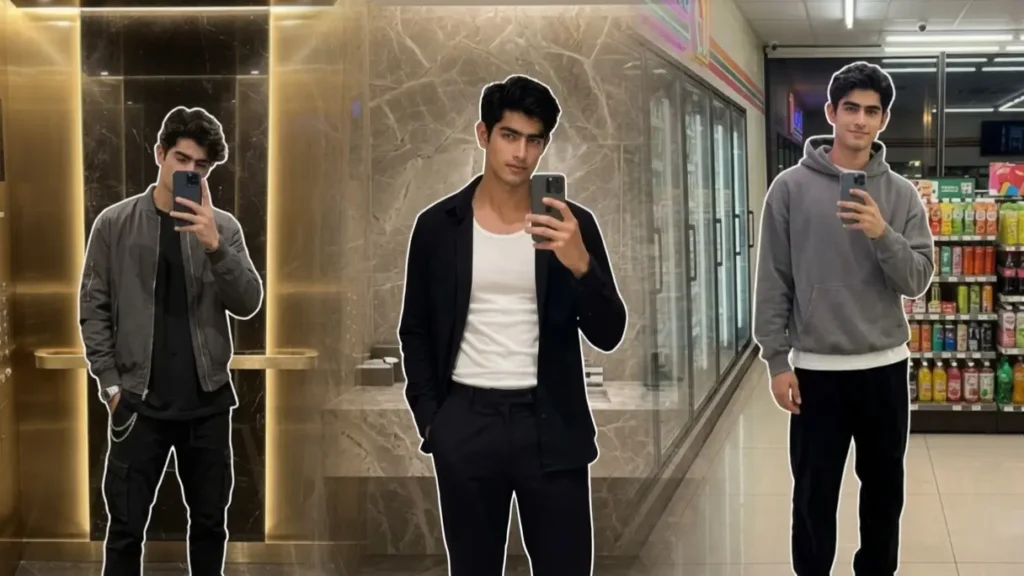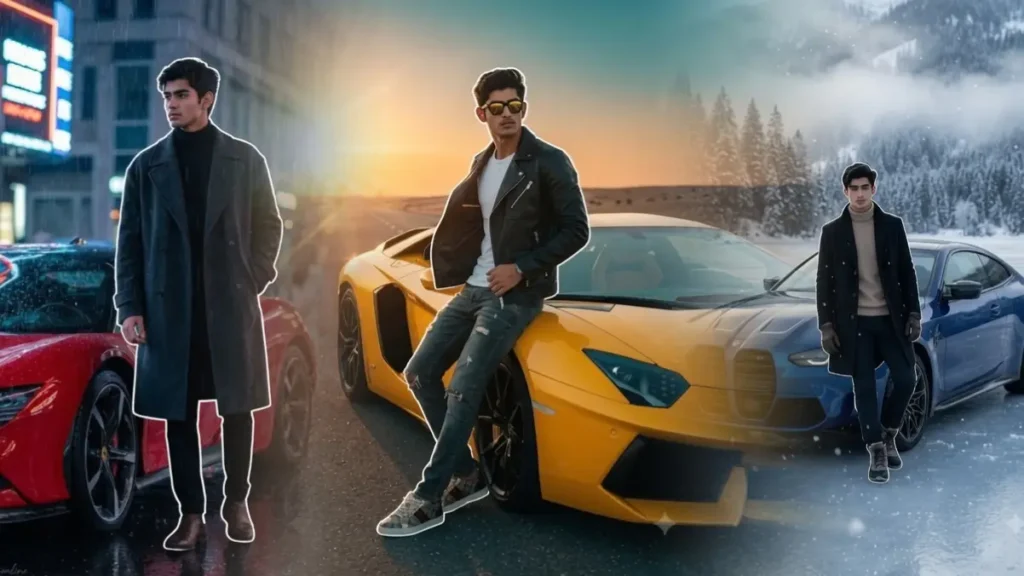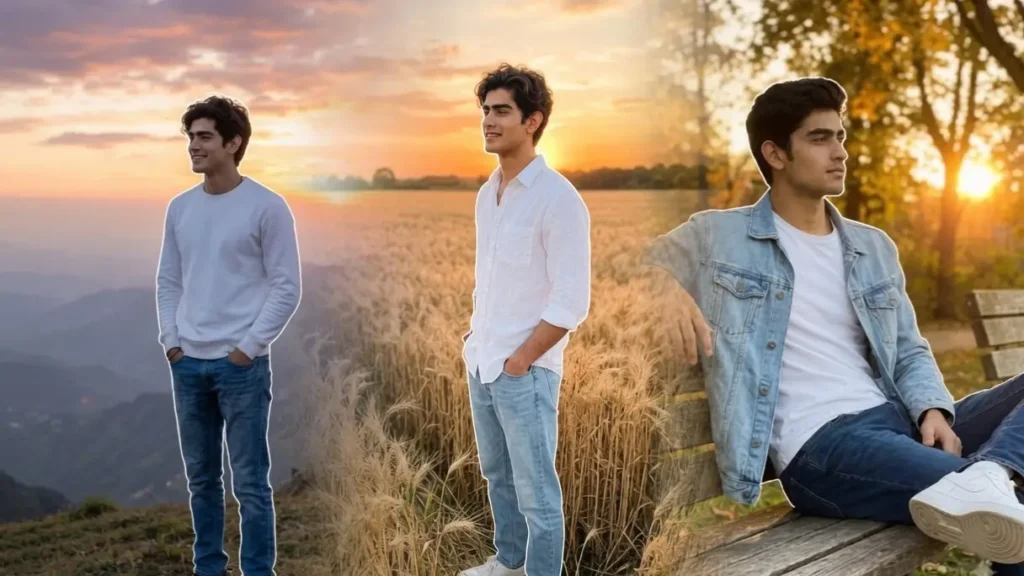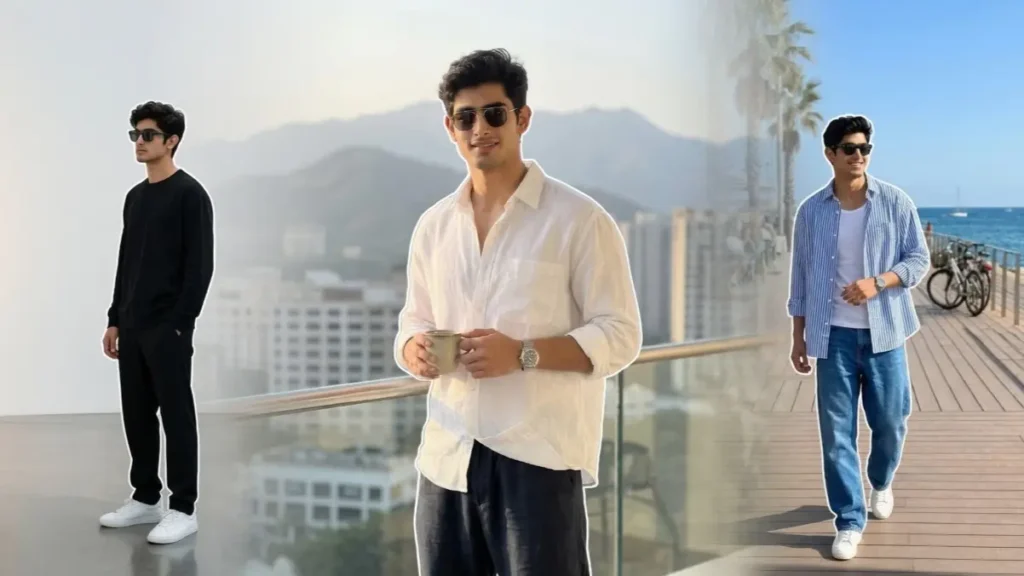
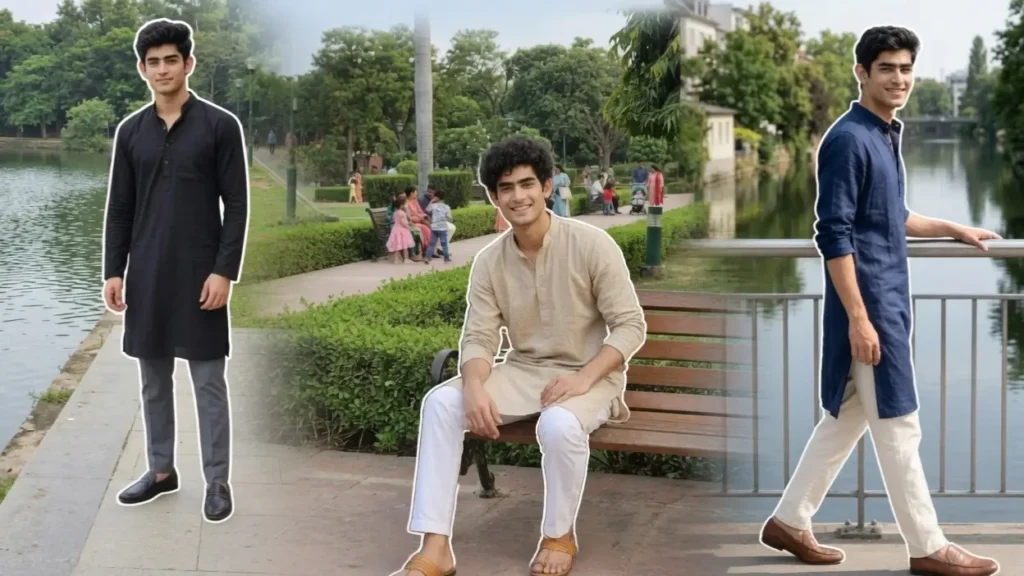
Hey, 👋 it’s me again! While testing traditional outfit prompts in Gemini, I noticed a common pattern. Most AI-generated kurta photos looked overly festive, with grand palaces, wedding venues, or heavily decorated backgrounds that didn’t feel like everyday photography. Although those scenes looked attractive, they often lacked realism and weren’t suitable for users who wanted a simple, stylish portrait in a natural setting.
To create a more practical collection, I tested different combinations of casual locations, natural daylight, camera angles, and fabric textures while avoiding exaggerated environments. I found that realistic residential streets, parks, lakeside walkways, libraries, and public spaces consistently produced more believable results than highly decorative locations.
Another improvement I made was focusing on natural outdoor lighting instead of cinematic color grading. By using balanced daylight, realistic skin tones, authentic fabric folds, and accurate shadows, the final images looked much closer to real DSLR portraits. Every prompt in this collection has been refined through repeated testing to preserve facial identity while creating clean, stylish kurta portraits that could easily pass as genuine photographs.
Gemini Prompts For Traditional Look For Men
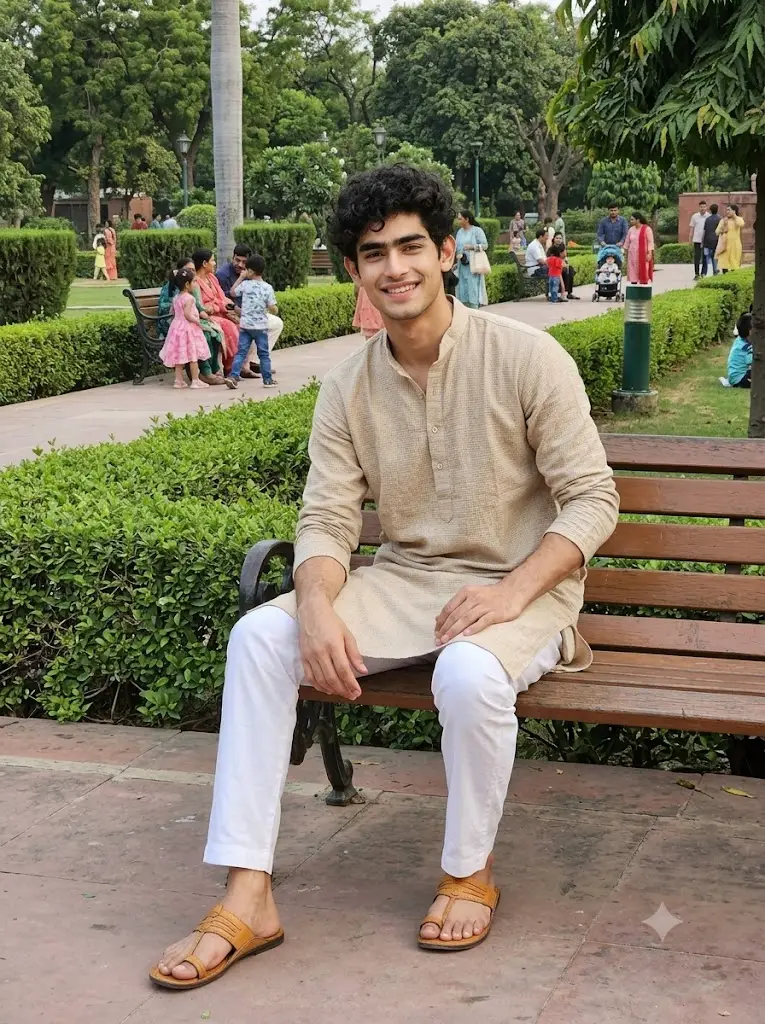
Create a realistic lifestyle portrait of the uploaded user wearing a beige textured kurta with white straight trousers and tan sandals. Preserve facial identity exactly. The user sits comfortably on a public garden bench with both hands resting naturally. The background includes walking paths, trimmed hedges, trees, and families enjoying the park. Capture from a 45-degree seated angle. Soft natural daylight with realistic shadows, balanced HDR, detailed fabric texture, and crisp environmental details without blur.Aspect ratio 3:4
 Copy
CopyBlack Kurta Gemini Prompt
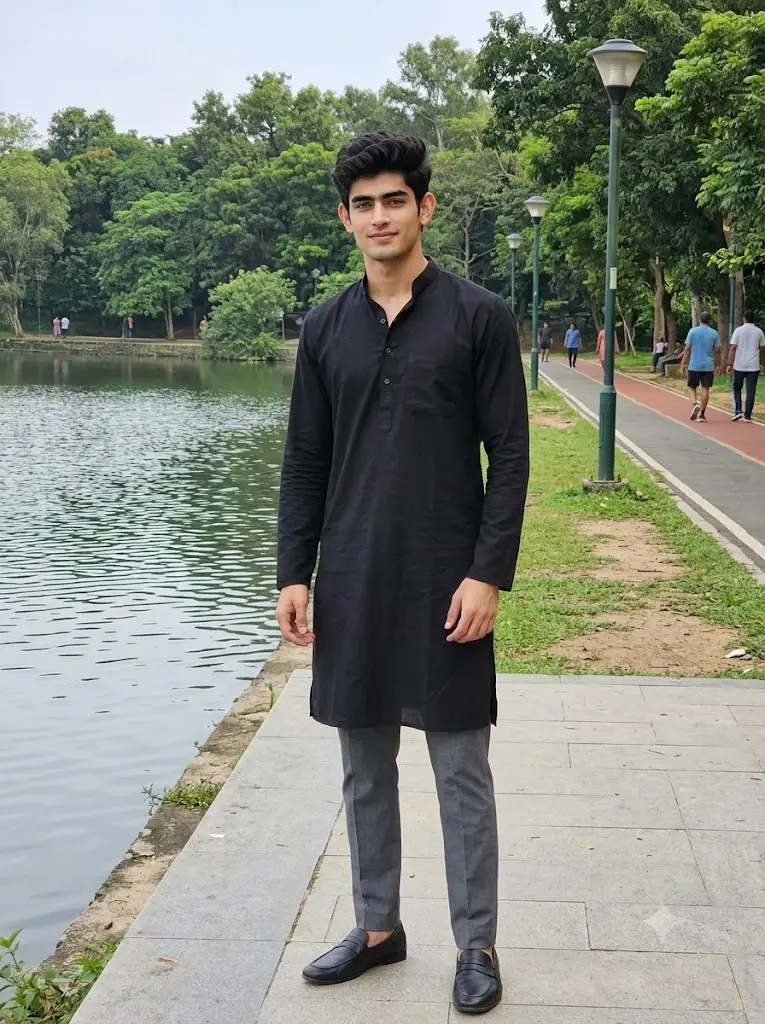
Transform the uploaded user into a realistic portrait wearing a premium black cotton kurta with grey trousers and black loafers. Preserve exact facial identity and hairstyle. The user stands beside a quiet lakeside footpath with trees, jogging tracks, lamp posts, and people walking in the background. Capture from a front eye-level portrait angle. Natural daylight, realistic skin texture, balanced exposure, true-to-life colors, and authentic outdoor lighting. Every background object remains perfectly sharp.Aspect ratio 3:4
Dark Blue Kurta Prompt
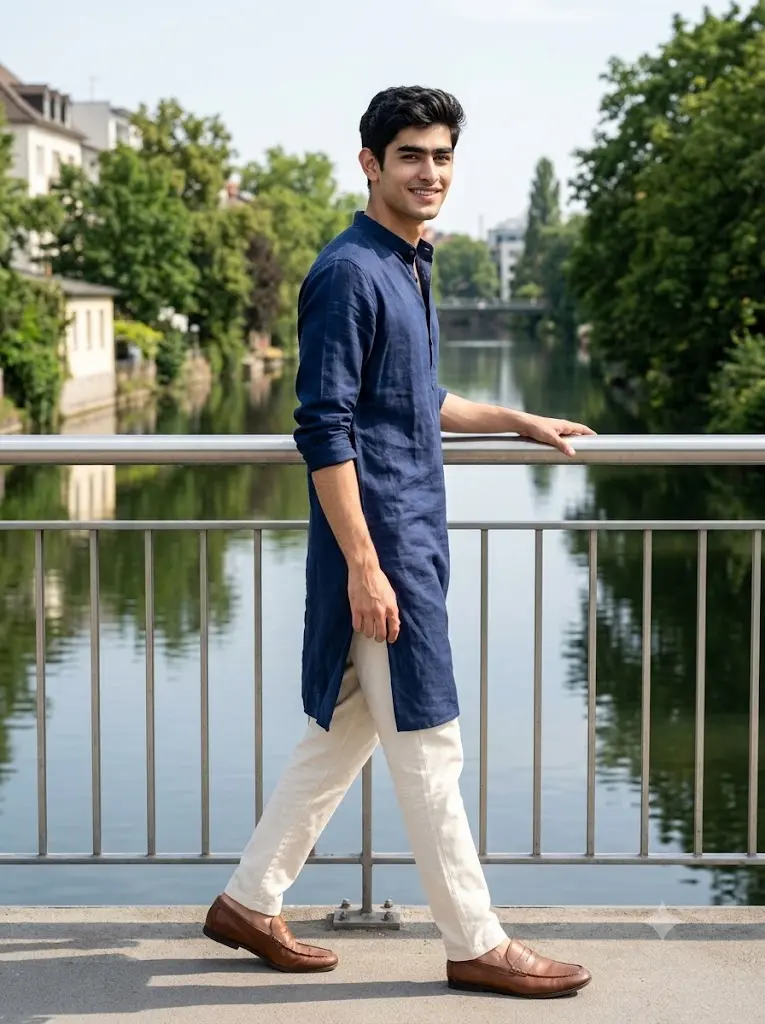
Transform the uploaded user into a realistic portrait wearing a navy blue linen kurta with cream trousers and loafers. Preserve exact facial identity. The user walks naturally across a pedestrian bridge with metal railings overlooking a calm river. Capture from a side walking angle. Bright daylight creates natural skin tones, authentic clothing texture, balanced shadows, and realistic environmental lighting. Keep the bridge, river, and surroundings sharp and highly detailed.Quality: 8K. Aspect ratio 3:4.
Pastel Peach Kurta Prompt
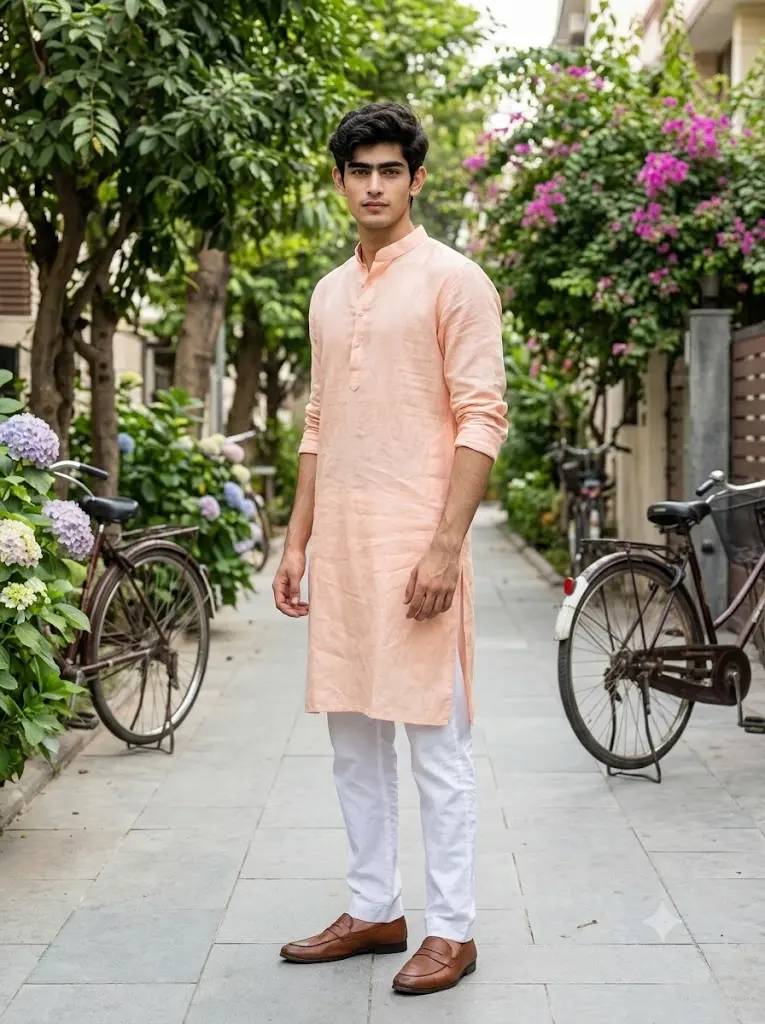
Generate a realistic portrait of the uploaded user wearing a pastel peach linen kurta with white trousers and brown loafers. Preserve the user’s exact facial identity, hairstyle, and body proportions. The user stands naturally beside a tree-lined residential walking lane with parked bicycles, flowering plants, and clean pavements. Capture from a full-body front three-quarter angle. Soft natural daylight creates balanced exposure, realistic skin tones, authentic fabric textures, natural shadows, and true-to-life DSLR realism without any cinematic effects or background blur.Aspect ratio 3:4
Sky Blue Linen Kurta Prompt
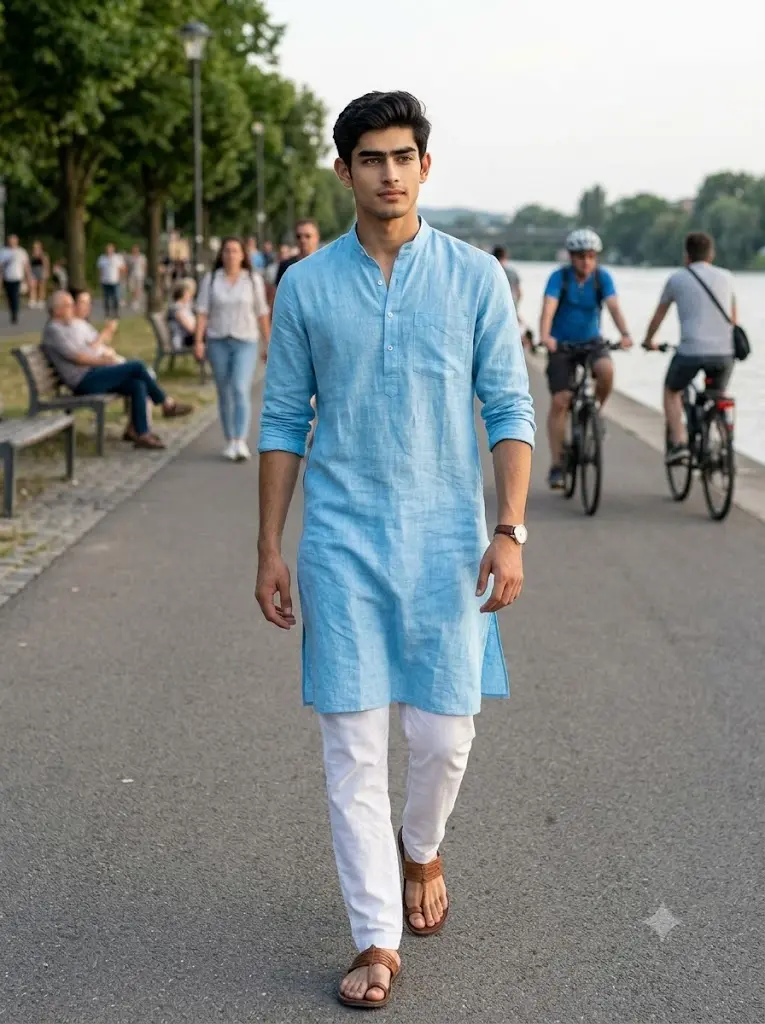
Create a realistic full-body portrait of the uploaded user wearing a sky-blue linen kurta, white pajama, brown sandals, and a classic wristwatch. Preserve exact facial identity. The user walks confidently along a clean riverside walking path with benches, trees, cyclists, and people enjoying the evening. Capture from an eye-level walking angle. Natural daylight produces realistic skin tones, accurate clothing texture, balanced shadows, and authentic colors. Keep every background detail sharp without depth blur.Aspect ratio 3:4
Olive Green Kurta Prompt
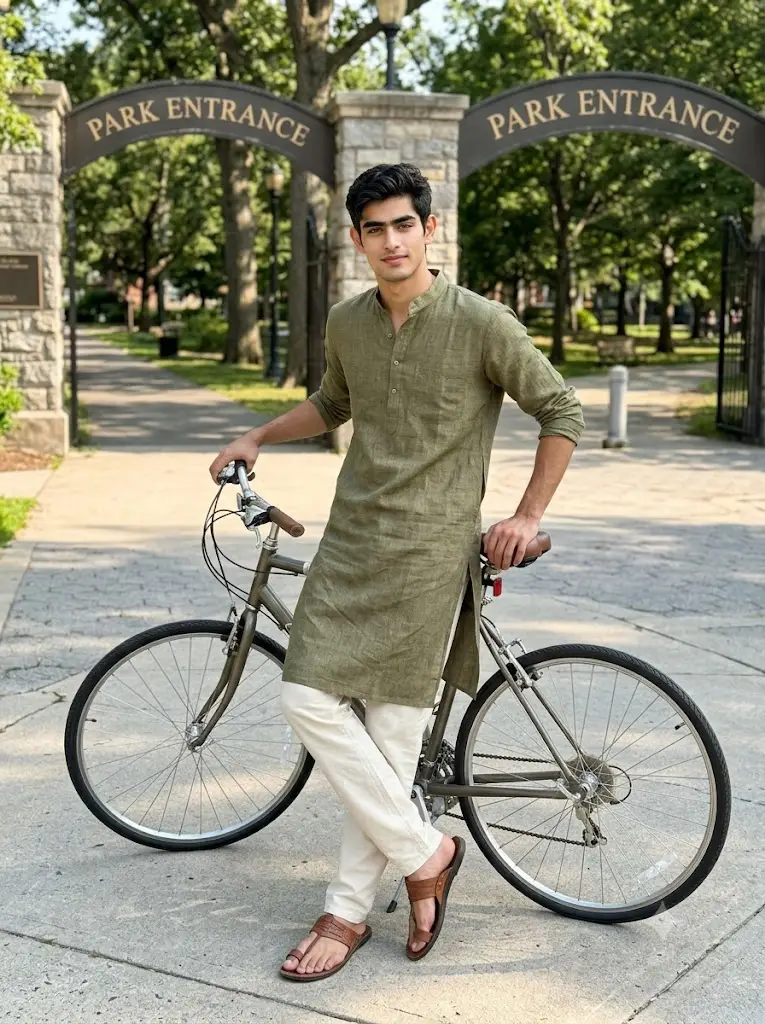
Generate a realistic portrait featuring the uploaded user wearing an olive-green linen kurta with cream trousers and leather sandals. Preserve exact facial identity. The user leans casually against a bicycle parked near a quiet neighborhood park entrance. Capture from a slightly elevated diagonal angle showing the full outfit. Bright afternoon daylight creates realistic highlights, soft natural shadows, balanced HDR, authentic fabric texture, and realistic skin tones. No cinematic effects and no background blur.Aspect ratio 3:4
How To Use These Gemini Kurta Prompts
Using these prompts is straightforward, but I usually follow a few steps that consistently improve the final image quality.
Step 1: Upload A Clear Photo
I normally use a well-lit photo where my face is clearly visible. Images taken in natural daylight tend to preserve facial identity much better than dark or heavily filtered selfies.
Step 2: Copy One Complete Prompt
Choose the kurta style and location you like, then copy the prompt exactly as written. I recommend keeping the lighting and camera instructions unchanged because they contribute significantly to the realism.
Step 3: Generate The Image
Upload your photo in Gemini, paste the complete prompt, and let Gemini generate the portrait. If the first result isn’t perfect, generate another variation before editing the prompt.
Step 4: Customize Only What You Need
Once you get a good result, you can modify specific details such as the kurta color or location without changing the overall structure of the prompt.
What Changes Can You Make?
One of the reasons I designed these prompts this way is that they are easy to customize without affecting realism. During my testing, I found that changing only one or two elements at a time usually produces the most consistent results.
You can easily customize:
✔ Kurta Color
Replace white, black, navy, olive, maroon, mustard, peach, beige, sky blue, or grey with any color you prefer.
✔ Fabric Type
Switch between cotton, linen, khadi, silk-blend, handloom, or embroidered fabrics depending on the look you want.
✔ Bottom Wear
Replace trousers with pajama, churidar, straight pants, denim jeans, or Indo-western trousers.
✔ Footwear
Use loafers, Kolhapuri sandals, leather sandals, sneakers, or traditional juttis.
✔ Camera Angle
I’m giving you all the angles that you can try with different prompts, even you can change your original clicked undhe images to any of these angles:
- Front portrait
- Front three-quarter angle
- Side profile
- Walking shot
- Sitting pose
- Low-angle portrait
- Eye-level full-body shot
- Over-the-shoulder look
- Candid side angle
- Close-up portrait
✔ Body Pose
You can ask Gemini to generate:
- Hands in pockets
- Arms crossed
- Walking naturally
- Adjusting sleeves
- Holding sunglasses
- Looking away
- Sitting on a bench
- Leaning against a railing
- Holding a book
- Relaxed standing posture
✔ Facial Expression
Choose between:
- Natural smile
- Soft smile
- Serious expression
- Calm look
- Confident expression
- Looking away thoughtfully
- Casual candid look
✔ Accessories
Add or remove:
- Wristwatch
- Sunglasses
- Bracelet
- Ring
- Chain
- Shoulder bag
- Smartphone
- Traditional stole
✔ Casual Background
These prompts work well with realistic locations such as:
- Residential sidewalks
- Public parks
- Lakeside walkways
- Botanical gardens
- Apartment courtyards
- Library entrances
- Pedestrian bridges
- Walking tracks
- Tree-lined streets
- Community gardens
✔ Lighting
From my testing, I recommend keeping the lighting natural for the most realistic output:
- Soft morning daylight
- Bright afternoon sunlight
- Gentle evening daylight
- Overcast natural light
- Balanced HDR outdoor lighting
Keeping these elements realistic helps Gemini generate portraits that look like authentic photographs instead of heavily stylized AI artwork.