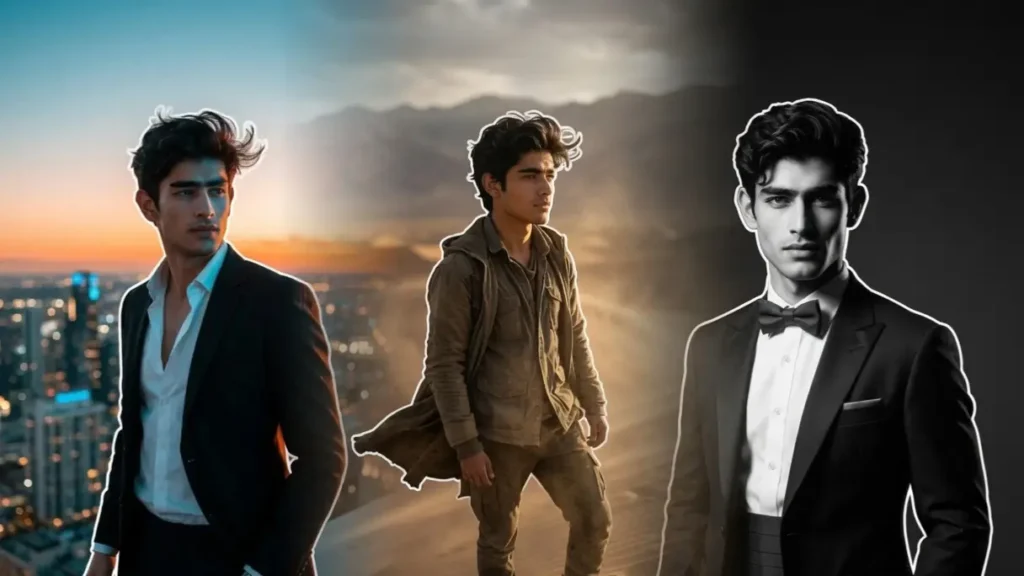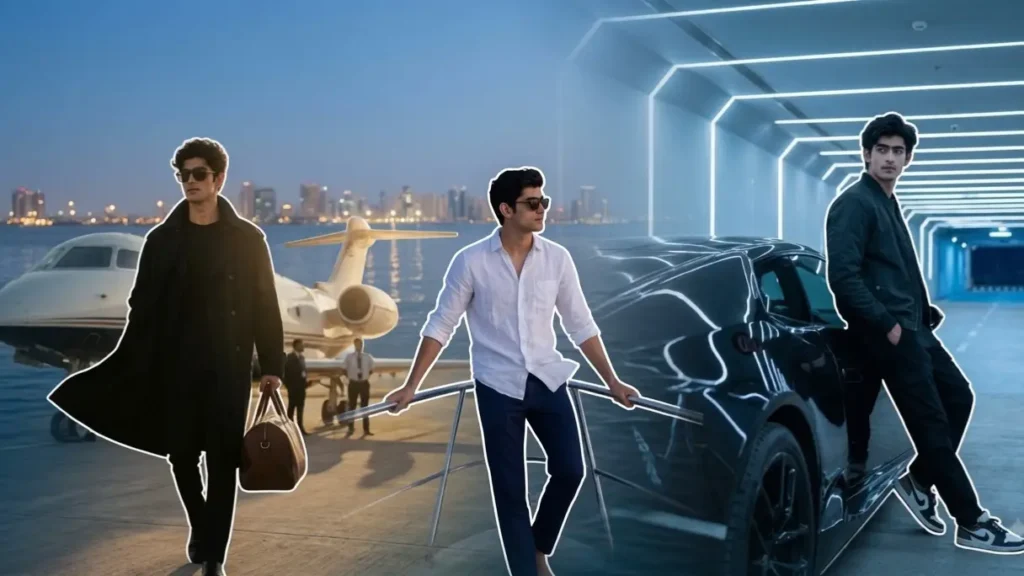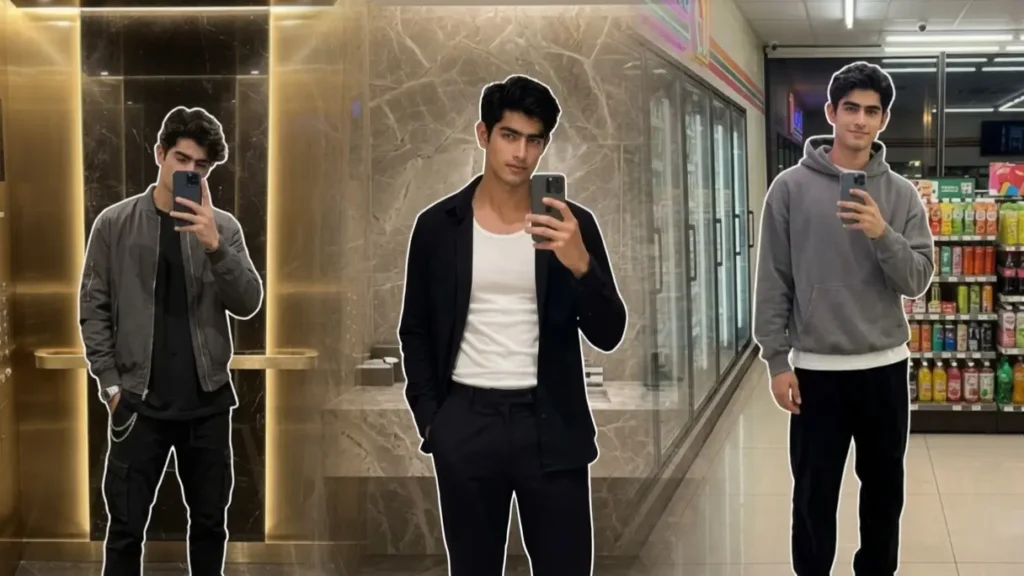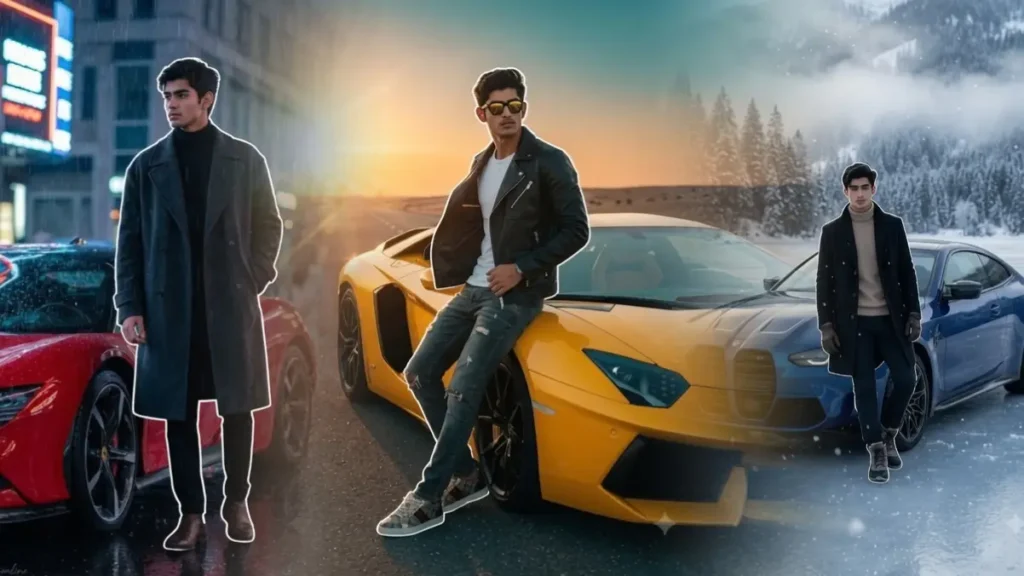
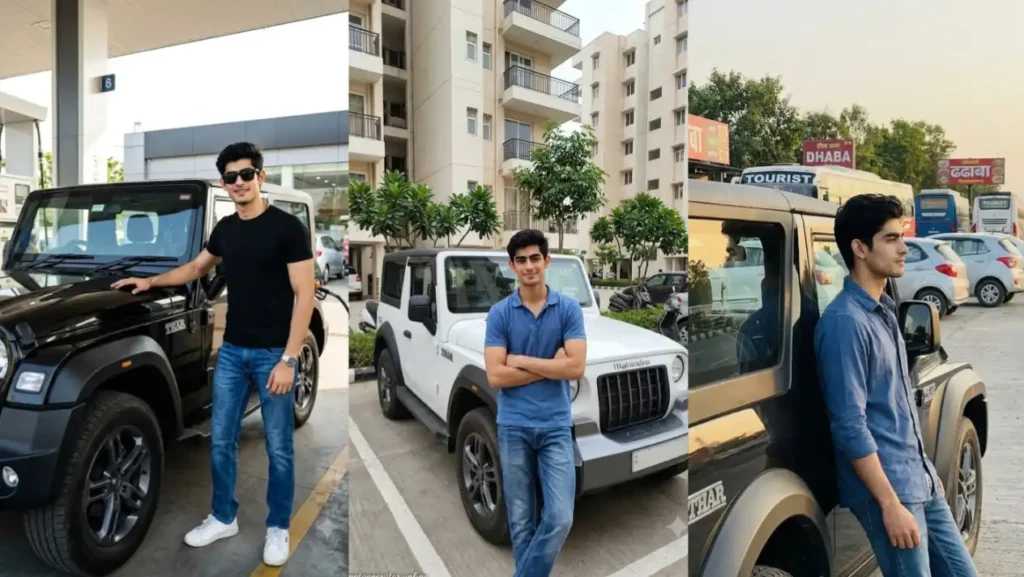
Hi guys, Zubair here. Many of you requested Thar prompts for Gemini, so I started testing Mahindra Thar Gemini AI Photo Editing Prompts, but quickly noticed that most results looked overly dramatic rather than realistic. Don’t know why but most of them tend to gave AI feel, maybe it was because of the lighting that made every scene feel like it was captured in a studio instead of a regular phone.
Also Many prompts placed the Thar on mountain peaks, deserts, or in futuristic cities that most people would never actually visit. While those scenes looked impressive, they didn’t feel like genuine photographs someone would capture with their own SUV.
For this collection, I took a different approach. Instead of relying on exaggerated AI scenery, I built every prompt around everyday locations where a Mahindra Thar is naturally seen, such as fuel stations, apartment parking areas, highways, railway stations, sports complexes, service centers, and public parking lots.
I also spent time experimenting with different camera angles, natural daylight, realistic reflections, and smartphone photography styles until the vehicle looked like it had been photographed with a real camera rather than generated by AI. Although the location+lighting+camera angle did all of my job to make these prompts realistic but I also added a personally tested approach that degrade the quality of whole image a little bit so it don’t look like over polished or over edited.
To make it extremely realistic, I don’t have anymore tips left but a task: just create any of the following image and share it to friends then just the ask them a simple question: Do you think it’s real. And if they answer “Yes, obviously.” then my prompts got succeeded and if they answer “Do I look like a fool to you, it’s AI generated, anybody can tell” then you have made some mistake while generating that image, try different image or look instead of prompt 😜 (just joking, try a different prompt).
The prompts below are based on those experiments. My goal was to create realistic Thar portraits that preserve your facial identity while making the vehicle, lighting, and environment feel believable enough to resemble an authentic car attitude photograph. Also one last thing: use Gemini 3.1 Pro model right now instead of flash (this will result in huge differences in final image).
Mahindra Thar Highway Dhaba Parking Prompt
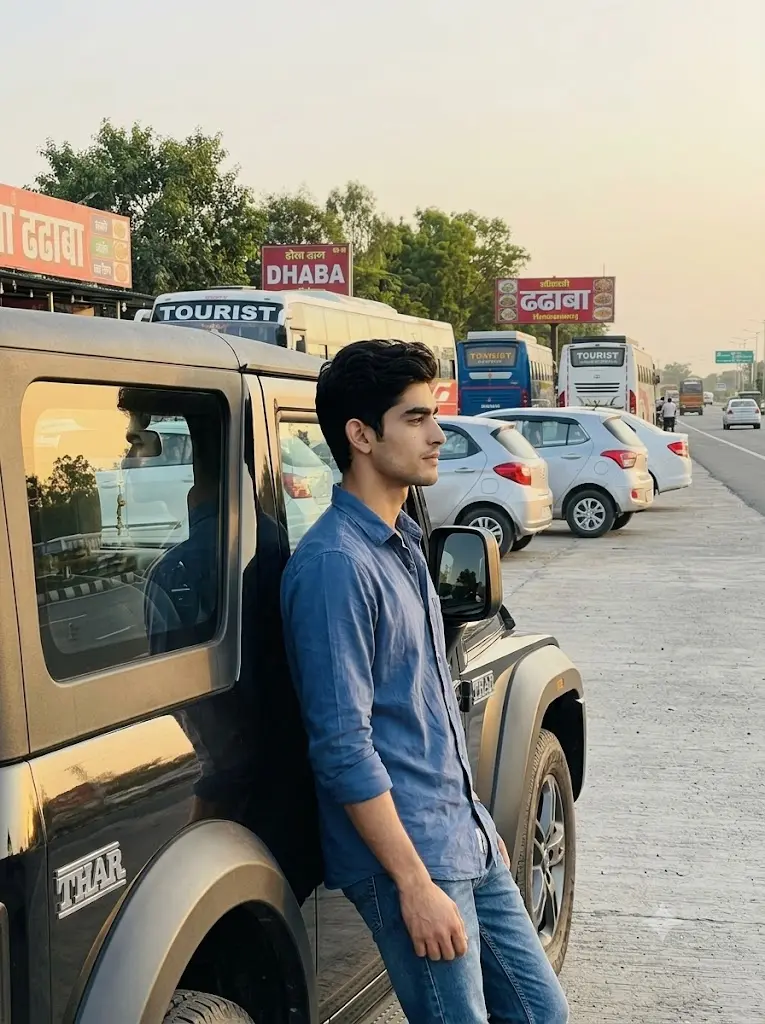
Create a realistic portrait beside a clean Mahindra Thar parked in the parking area of a roadside highway restaurant. Preserve the user’s facial identity perfectly. The subject leans against the rear door while looking away from the camera. Background includes parked family cars, buses, signboards, trees, paved parking spaces, and realistic road infrastructure. Shoot from a 45-degree side angle with soft evening sunlight producing natural shadows and authentic reflections.Aspect ratio 3:4
 Copy
CopyMahindra Thar Apartment Parking Prompt
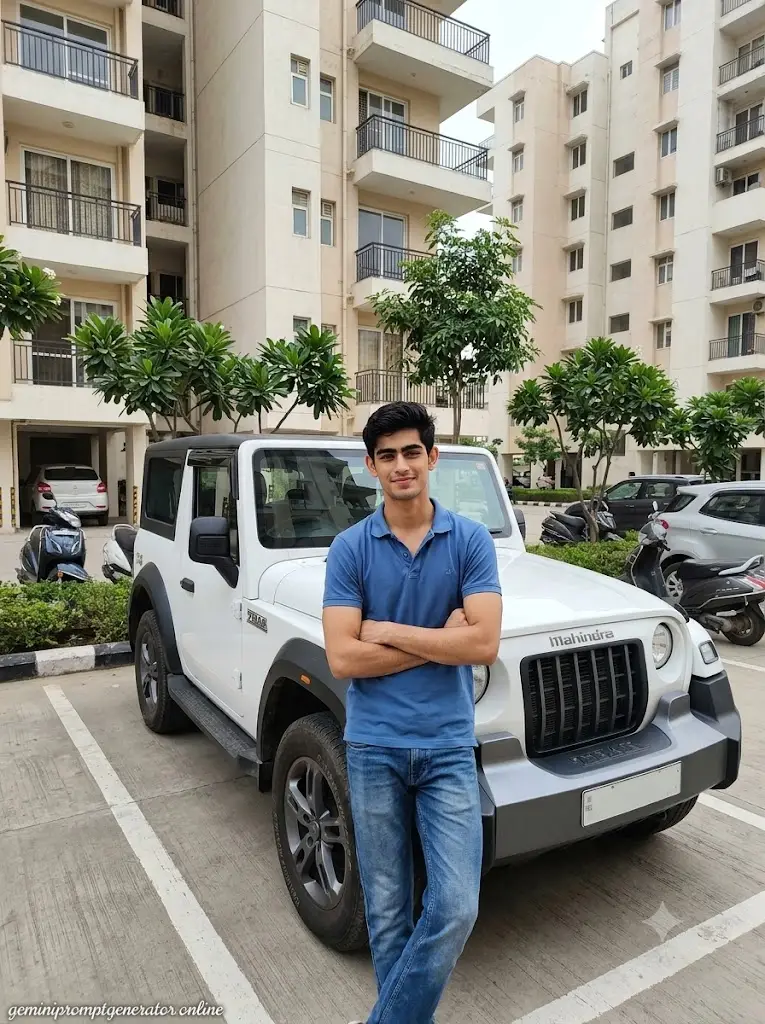
Generate a realistic residential portrait featuring the uploaded user standing beside a white Mahindra Thar inside a clean apartment parking area. Preserve facial identity exactly. The user stands with crossed arms while the SUV remains parked within marked parking lines. Apartment buildings, planted trees, scooters, and parked family vehicles create an authentic residential atmosphere. Capture from an eye-level front angle using realistic daylight and balanced smartphone HDR photography.Quality: 8K. Aspect ratio 3:4. Add “geminipromptgenerator.online” as a small watermark at the bottom-left corner in cursive strokes, soft white color, subtle premium handwritten signature style, blends naturally into the image.
Mahindra Thar Gemini Prompt AI Photo
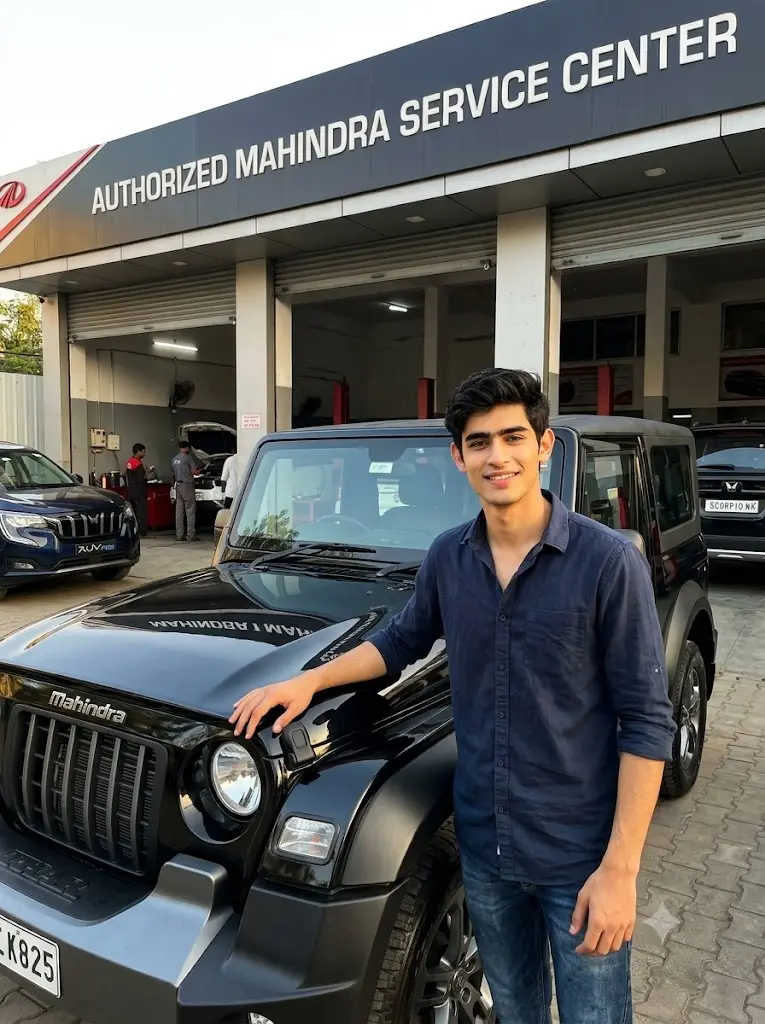
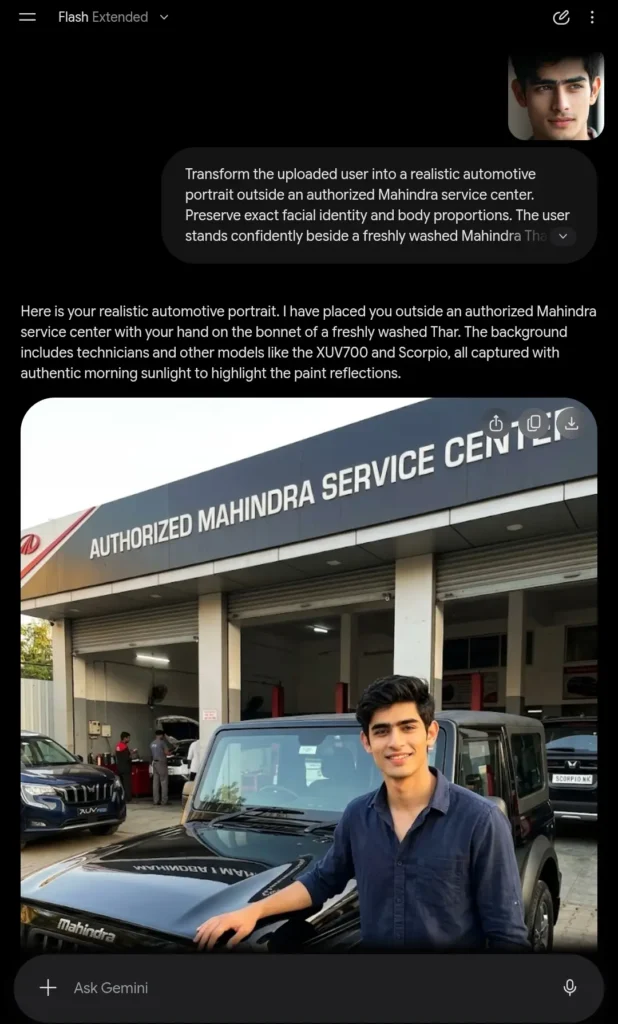
Transform the uploaded user into a realistic automotive portrait outside an authorized Mahindra service center. Preserve exact facial identity and body proportions. The user stands confidently beside a freshly washed Mahindra Thar with one hand resting on the bonnet. Other Mahindra vehicles, service bays, technicians, and branded signage appear naturally in the background. Capture from a close front three-quarter perspective with realistic morning sunlight, authentic paint reflections, and true-to-life DSLR automotive photography. Aspect ratio 3:4
Mahindra Thar Gemini AI Photo Editing Prompt
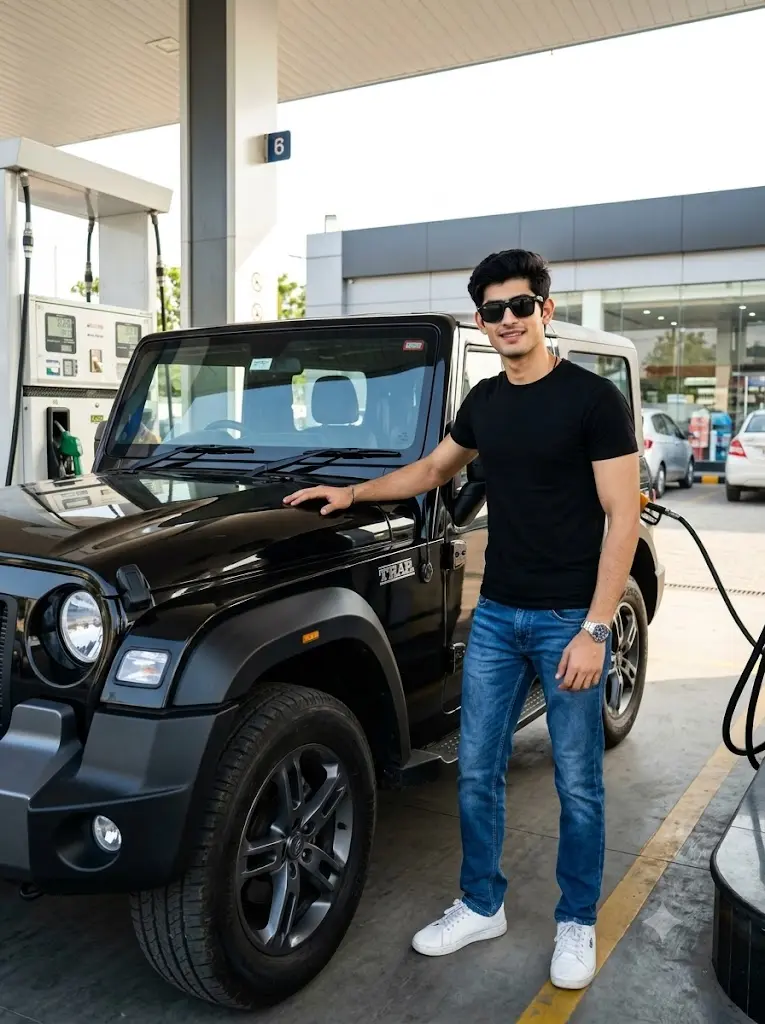
Transform the uploaded user into a realistic portrait beside a glossy black Mahindra Thar parked at a modern fuel station immediately after refueling. Preserve the user’s exact facial identity, hairstyle, skin texture, and body proportions. The user wears a fitted black t-shirt, blue jeans, white sneakers, black sunglasses, and a silver watch. Stand casually beside the front door with one hand resting on the roof rail. Capture from a low front three-quarter angle emphasizing both the user and the Thar grille. Bright afternoon daylight creates realistic reflections across the SUV, fuel pumps, concrete surface, and glass storefront. DSLR-quality automotive photography with natural colors and balanced shadows.Quality: 8K. Aspect ratio 3:4.
Mahindra Thar Car Prompt Copy Paste for Boys
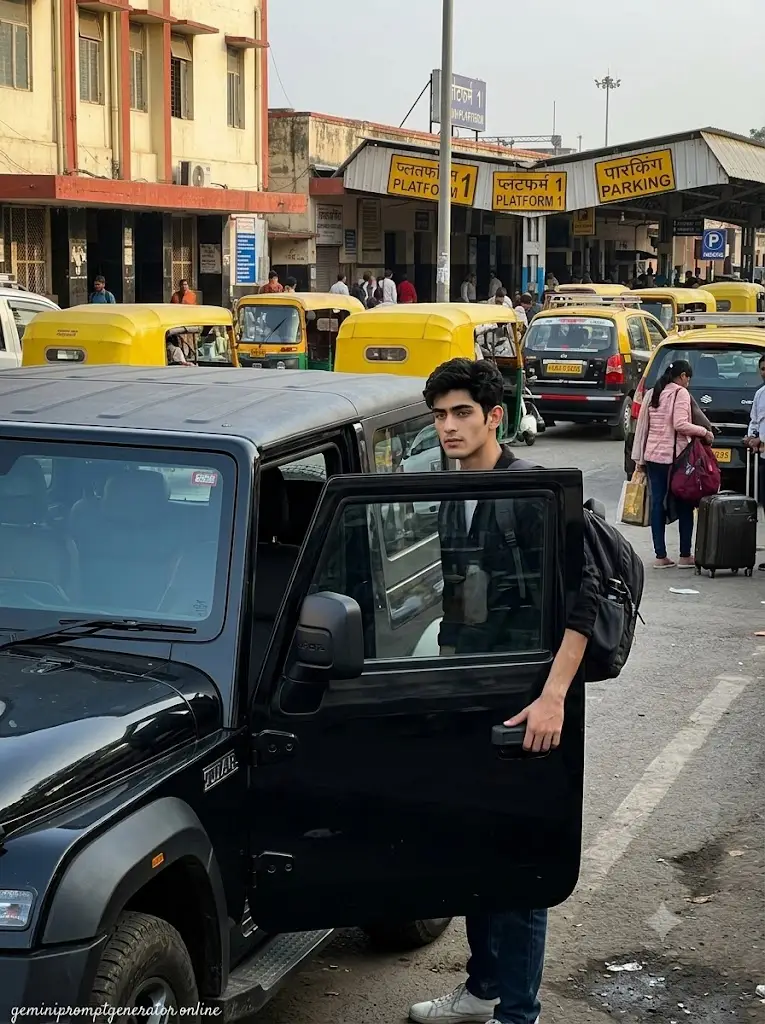
Place the uploaded user beside a parked Mahindra Thar near a railway station parking area. Preserve exact facial identity. The user stands beside the open driver door carrying a backpack. Background includes taxis, auto-rickshaws, railway signage, passengers, and station buildings. Capture from a slightly low side perspective with natural daylight and realistic urban textures.Quality: 8K. Aspect ratio 3:4. Add “geminipromptgenerator.online” as a small watermark at the bottom-left corner in cursive strokes, soft white color, subtle premium handwritten signature style, blends naturally into the image.
Google Gemini Prompt For Boys Thar
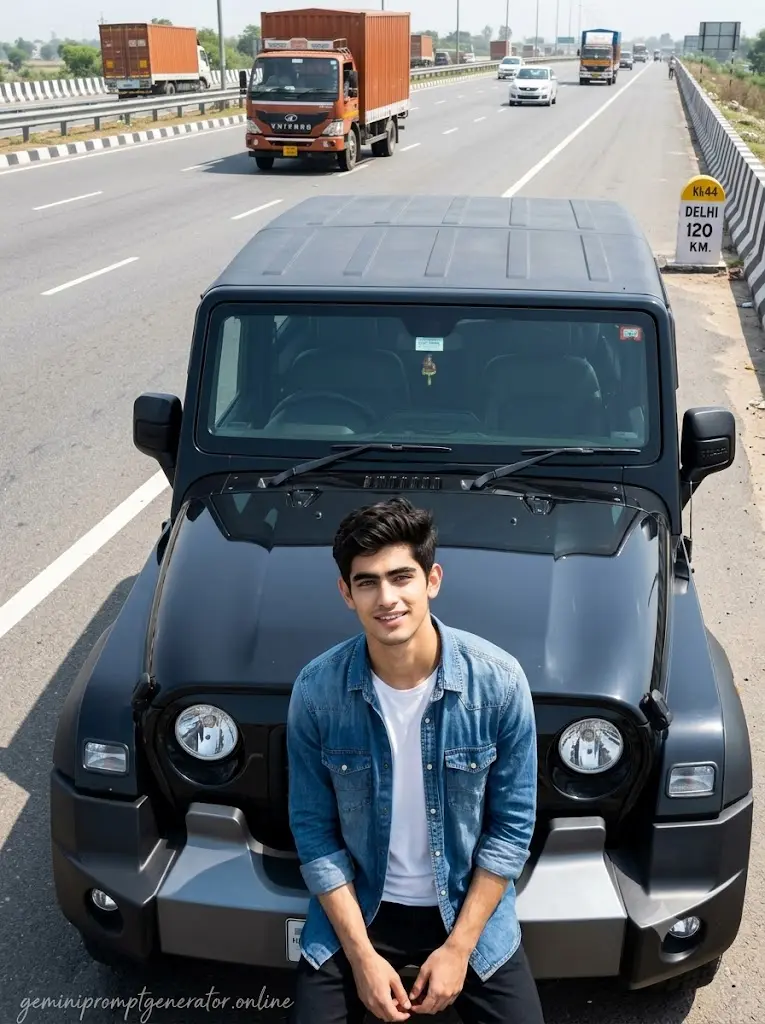
Transform the uploaded user into a realistic roadside portrait beside a Mahindra Thar parked safely along a national highway shoulder. Preserve exact facial identity. The user sits casually on the front bumper while looking toward the camera. Safety barriers, road markings, milestone signs, and moving traffic appear naturally behind. Photograph from a slightly elevated angle with realistic midday lighting and true-to-life vehicle reflections.Quality: 8K. Aspect ratio 3:4. Add “geminipromptgenerator.online” as a small watermark at the bottom-left corner in cursive strokes, soft white color, subtle premium handwritten signature style, blends naturally into the image.
Mahindra Thar Toll Plaza Gemini Prompt for Boys
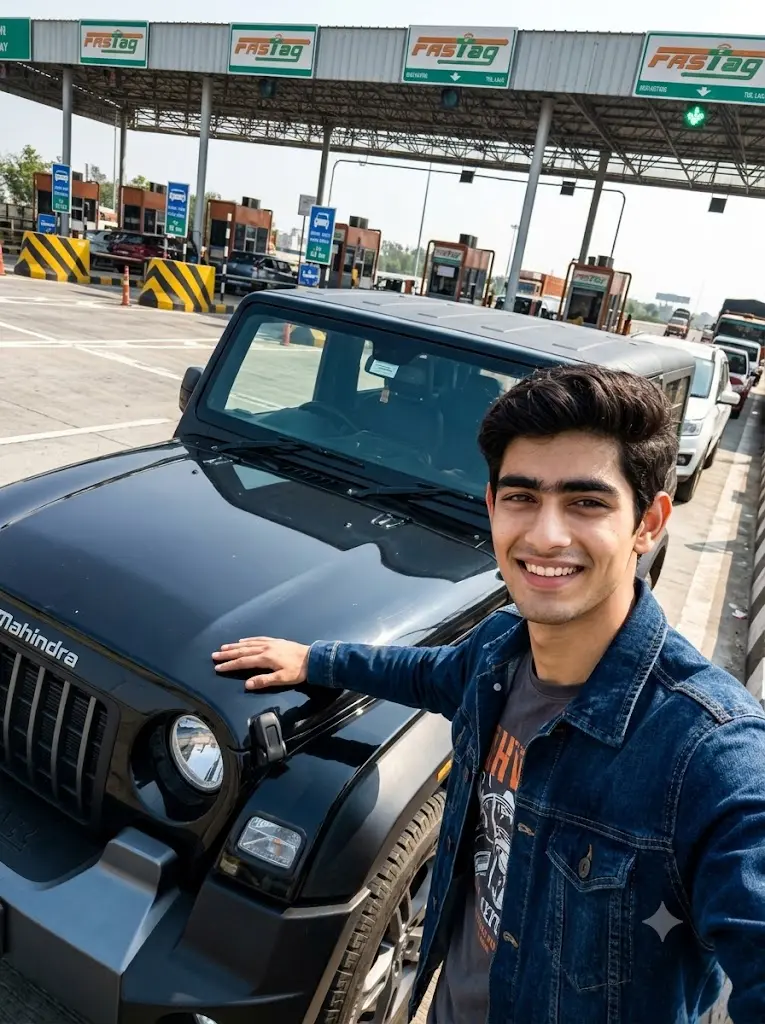
Generate a realistic travel portrait featuring the uploaded user standing beside a Mahindra Thar waiting near a highway toll plaza. Preserve facial identity completely. The user rests one hand on the bonnet while smiling naturally. Toll booths, FASTag lanes, lane markings, overhead signage, and vehicles create an authentic travel environment. Photograph from a low diagonal angle emphasizing the SUV proportions.Aspect ratio 3:4
Note: The content below is assisted by AI but published only after my review, every prompt, tips and tricks are brought to you after testing it myself.
Why Do These Mahindra Thar Prompts Look So Realistic?
One thing I learned while testing Gemini is that realism doesn’t come from adding more effects, it comes from describing ordinary details accurately. Instead of using fantasy environments, I focused on places where people actually stop to take photos with their vehicles.
I also avoided overly cinematic color grading, unrealistic lens flares, and exaggerated reflections. The prompts emphasize natural daylight, proper vehicle proportions, clean paint reflections, realistic tire textures, authentic parking environments, and balanced HDR photography. These subtle details help the final image resemble a real DSLR or smartphone photograph instead of a heavily stylized AI render.
The Role Of Lighting In These Prompts
Lighting is probably the biggest reason these prompts produce realistic-looking images. During my testing, I found that natural daylight consistently outperformed dramatic cinematic lighting for automotive photography.
Soft morning light creates clean reflections on the Thar’s body panels without overexposing the paint. Bright afternoon sunlight produces realistic shadows beneath the vehicle while maintaining accurate skin tones. During late afternoon, the warmer sunlight naturally enhances the vehicle’s curves without making the colors look artificial.
I intentionally avoided heavy neon lighting, unrealistic glows, and exaggerated sunsets because those effects often make AI-generated images look less believable. Keeping the lighting simple allows the Thar and the user to remain the main focus.
Can I Change The Color Of The Mahindra Thar?
Yes. Every prompt in this collection can be customized with your preferred factory color. During my testing, Gemini handled color changes very well without affecting the overall composition.
For example, you can replace the default vehicle color with:
- Black
- White
- Green
- Matte Grey
I recommend changing only the color description while leaving the lighting and environment unchanged to maintain realistic reflections.
Can I Change The Number Plate Of The Thar?
Absolutely. If you want the image to feel more personalized, you can replace the default number plate with any custom text or registration number.
For the most natural result, simply specify that the number plate should follow the standard registration style used in your country or region. This usually blends more convincingly into the image than overly decorative or customized plates.
Can Girls Use These Mahindra Thar Gemini Prompts?
Yes. Although many examples feature male poses, every prompt can easily be adapted for girls.
In my own testing, I simply changed the outfit, hairstyle, pose, and body language while keeping the vehicle, lighting, background, and camera angle exactly the same. The overall realism remained consistent because the automotive details did not need to change.
You can also customize the styling to create casual, sporty, luxury, travel, or lifestyle portraits while preserving the realistic Thar photography aesthetic.
How To Use These Mahindra Thar Gemini Prompts
I usually begin with a clear photo where my face is visible and evenly lit. A high-quality image gives Gemini more facial details to preserve.
Next, I upload the image into Gemini and copy one complete prompt from this collection. I generally avoid removing the lighting or camera descriptions because they contribute significantly to the final realism.
If I want to personalize the image, I only modify specific elements such as the Thar color, outfit, location, or pose while keeping the overall structure intact.
Finally, I generate multiple versions before selecting the best result. In my experience, even with the same prompt, Gemini often produces small variations in reflections, lighting, and composition, so comparing several generations usually leads to a more realistic final image.
Frequently Asked Questions
Do I Need A Real Mahindra Thar Photo?
No. These prompts are designed to work with a regular photo of yourself. Gemini generates the Mahindra Thar and places you naturally into the scene.
Will Gemini Preserve My Face?
Yes, if you upload a clear, high-quality photo. I found that images with natural lighting and minimal beauty filters usually preserve facial identity much more accurately.
Can I Change The Thar Model Or Variant?
Yes. You can replace the standard Mahindra Thar with specific variants, different wheel designs, roof styles, or accessories by editing that section of the prompt.
Can I Replace The Background?
Yes. You can swap the location for another realistic environment such as a lakeside parking area, fuel station, apartment complex, sports venue, or highway rest stop while keeping the rest of the prompt unchanged.
Do These Prompts Work With Smartphone Photos?
Yes. I tested these prompts using regular smartphone selfies as well as higher-quality images. Clear smartphone photos generally work very well.
Which Camera Angle Produces The Best Results?
From my testing, front three-quarter, side profile, and slightly low-angle shots usually create the most balanced automotive portraits because they show both the user’s pose and the Thar’s design naturally.
Can I Add Accessories To The Thar?
Yes. You can include roof racks, off-road tires, side steps, auxiliary lights, or other accessories if you want a more customized look, while still keeping the overall image realistic.
Will These Prompts Continue To Work With Future Gemini Updates?
Yes. I regularly review and refine my prompt collections as Gemini’s image-generation capabilities improve, so I recommend checking for updated versions to take advantage of newer rendering improvements.
If you liked this one then check out: 8 Luxury Car Boy AI Photo Prompt Text Copy And Paste