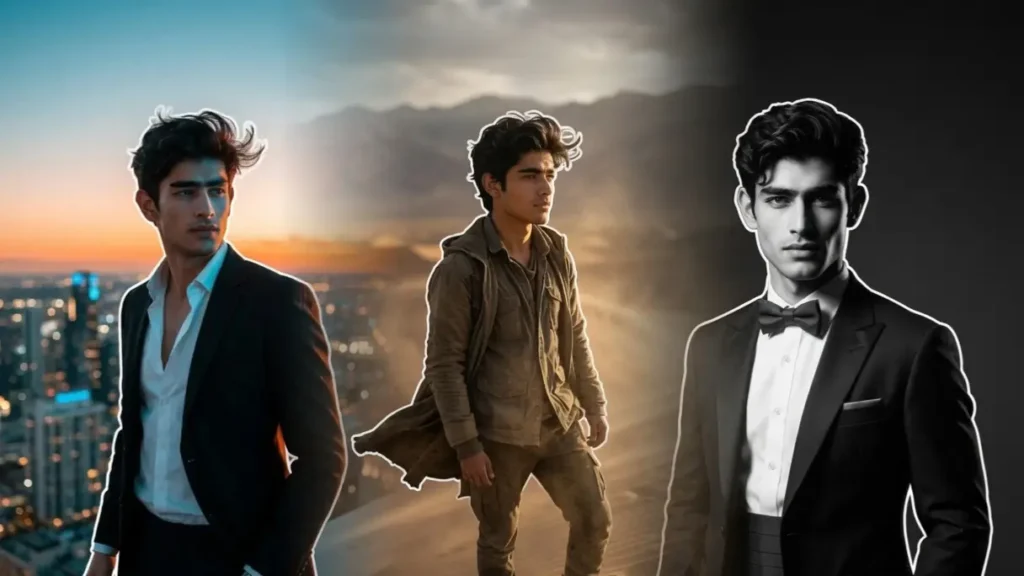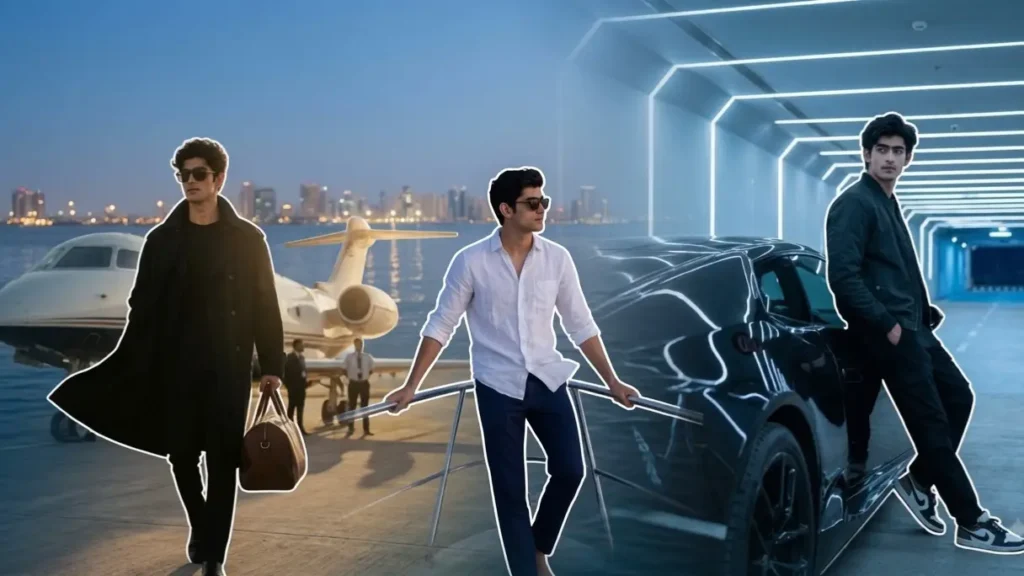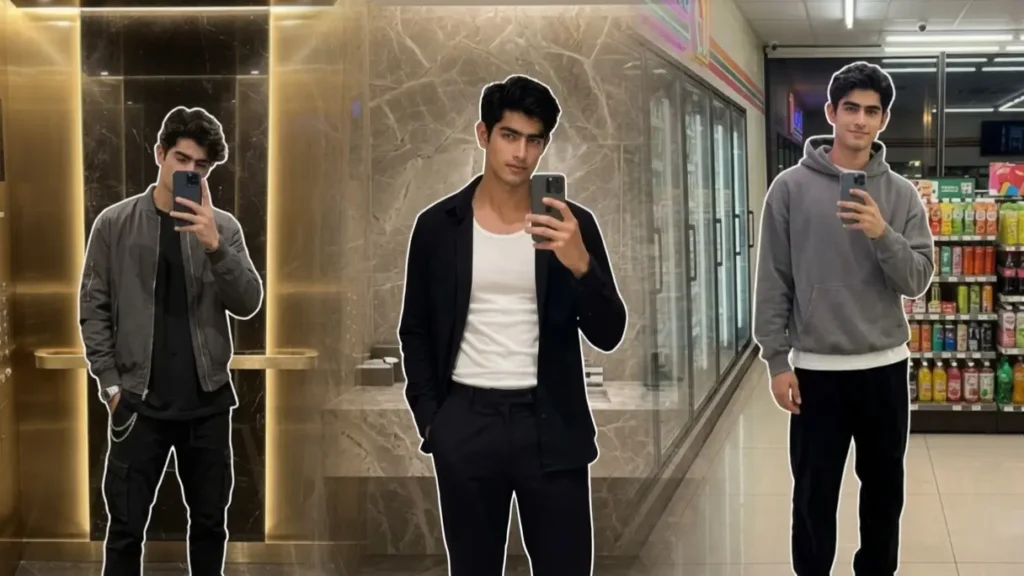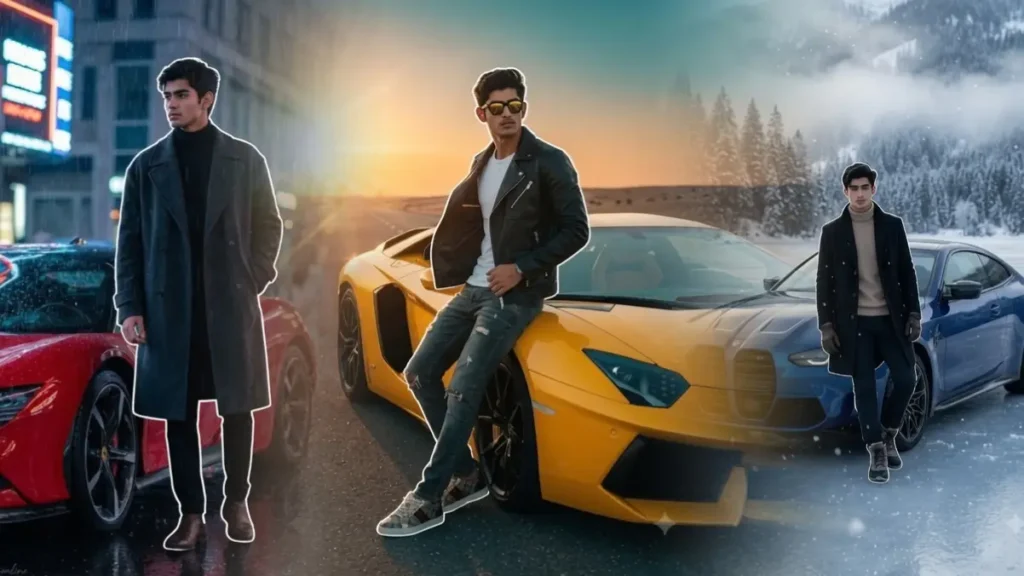
Welcome to our new article! Golden hour is one of the hardest lighting conditions to recreate with AI. I noticed that many images looked overly orange, the skin tones appeared unnatural, and the sunlight often looked like an artificial filter instead of real evening light.
To understand why this happened, I experimented with dozens of different prompt structures using parks, beaches, mountains, rivers, flower fields, and countryside locations.
I also tested how different lighting descriptions affected skin tones, facial identity, and background realism. Instead of asking Gemini to create a “cinematic sunset,” I focused on describing how natural sunlight behaves during the last hour before sunset.
The prompts in this collection are based on those experiments. My goal was to create realistic golden hour portraits that resemble photos captured on a modern DSLR or flagship smartphone rather than heavily edited AI artwork. Don’t forget to follow us on our WhatsApp Channel for such awesome Gemini prompts.
Golden Wheat Field Portrait

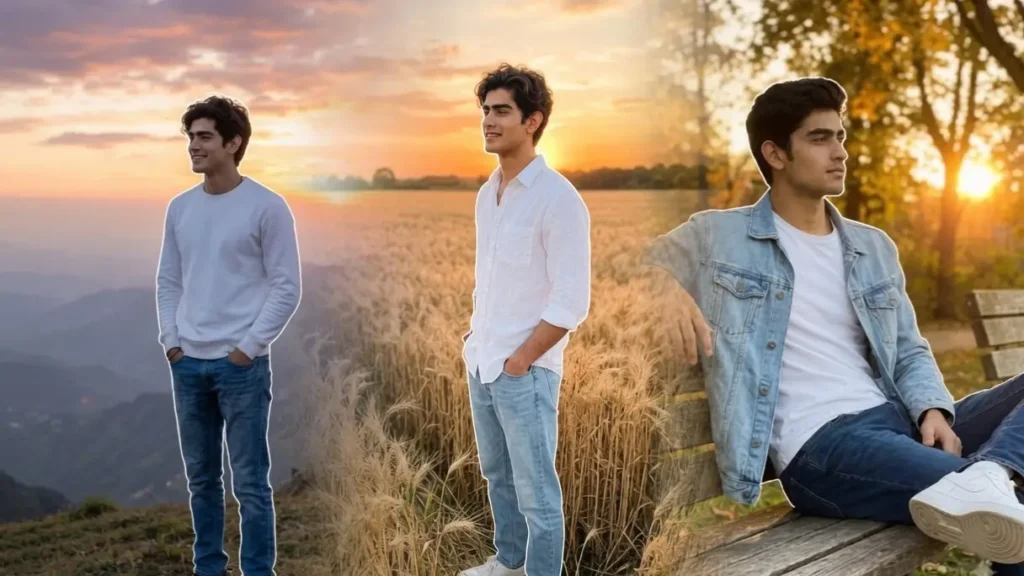
Create a realistic golden hour portrait of the uploaded user standing in the middle of a vast wheat field just before sunset. Preserve the user’s exact facial identity, hairstyle, skin tone, and facial features. The user wears a relaxed white linen shirt with sleeves rolled up, light blue denim jeans, and white sneakers. Both hands are casually inside the pockets while the body faces slightly sideways and the face looks toward the setting sun with a calm smile. Warm golden sunlight falls naturally across the face from one side, creating soft highlights and realistic shadow transitions. The wheat gently sways in the breeze, producing natural movement. The background contains endless golden crops, distant trees, and a glowing orange sky. Capture using a realistic smartphone portrait camera with natural HDR, authentic skin texture, soft depth of field, and warm sunset color balance.
 Copy
CopySunset Beach Photo Prompt for men
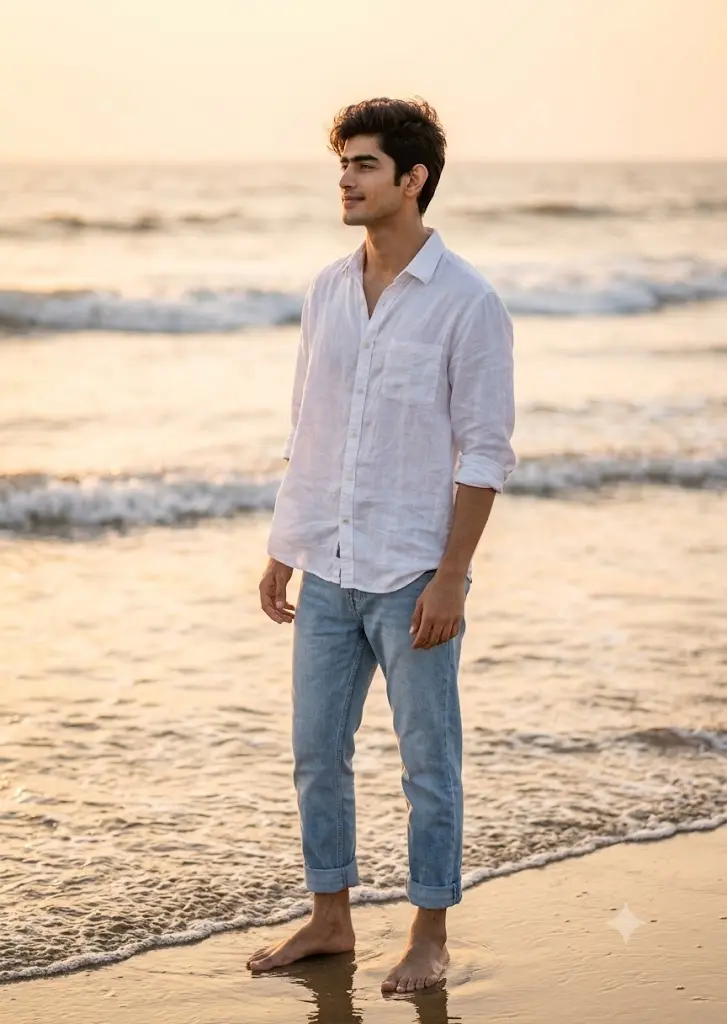
Generate a realistic beach portrait featuring the uploaded user standing barefoot near the shoreline during golden hour. Preserve facial identity exactly. The user wears a loose white shirt with light blue jeans rolled slightly above the ankles. Ocean waves gently touch the feet while sunlight reflects naturally across wet sand. The subject looks toward the horizon with a peaceful expression as warm orange sunlight creates soft highlights around the hair and shoulders. Natural ocean breeze moves the shirt fabric realistically. The atmosphere should feel peaceful and completely natural like a professional travel photograph.
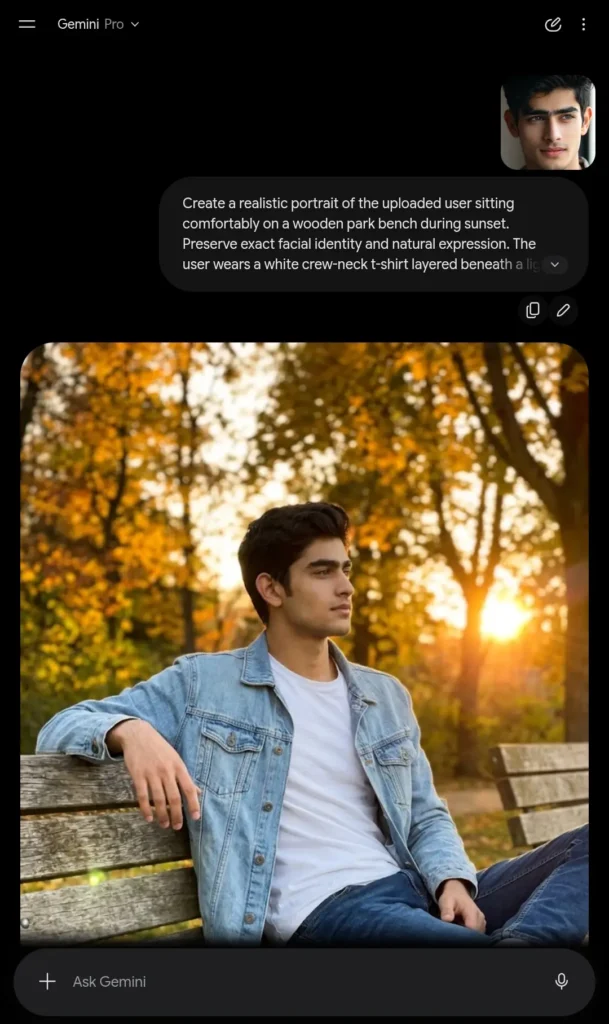
Park Bench Golden Hour Gemini Prompt for Boys
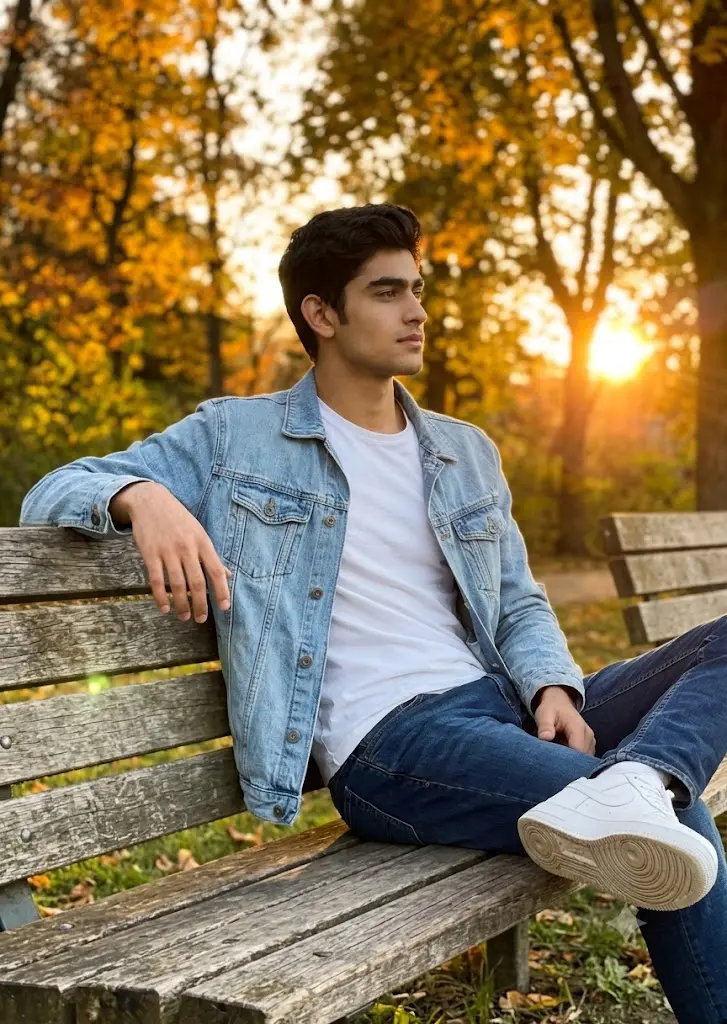
Create a realistic portrait of the uploaded user sitting comfortably on a wooden park bench during sunset. Preserve exact facial identity and natural expression. The user wears a white crew-neck t-shirt layered beneath a light blue denim jacket with blue jeans and white sneakers. Sitting casually with one arm resting on the bench while looking toward the setting sun. Autumn trees glow in warm orange colors while soft sunlight filters through the branches creating realistic highlights across the face and jacket. The atmosphere should resemble a genuine outdoor lifestyle photograph captured on a premium smartphone with excellent natural lighting.
Flower Garden Golden Hour Aesthetic Photography
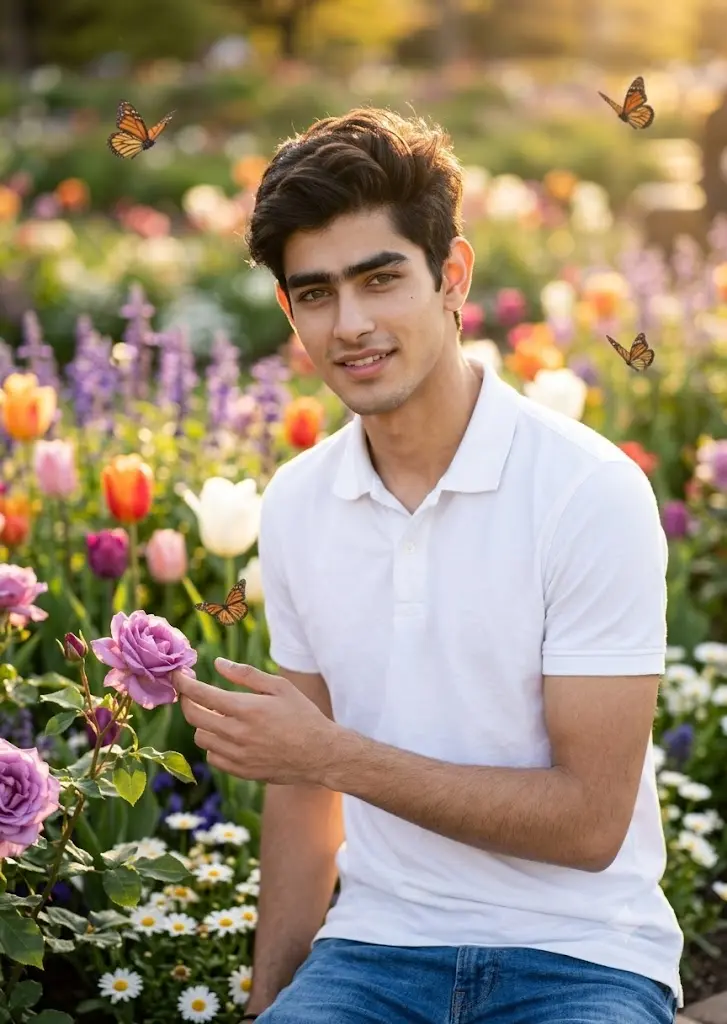
Create a realistic golden hour portrait inside a vibrant flower garden. Preserve the uploaded user’s exact facial identity. The user wears a white polo t-shirt with blue jeans and stands among blooming flowers while lightly touching one flower with the fingertips. Warm evening sunlight illuminates the face naturally, producing soft golden highlights without overexposure. Colorful flowers fill both foreground and background while butterflies fly naturally around the garden. The image should resemble a premium DSLR outdoor portrait captured during spring sunset.
Riverside Wooden Bridge Golden Hour Portrait Aesthetic 2026

Create a realistic portrait of the uploaded user standing on a rustic wooden bridge crossing a quiet river during sunset. Preserve exact facial identity. The user leans comfortably against the wooden railing while wearing a white oversized shirt, straight-fit jeans, and white sneakers. Golden sunlight reflects beautifully across the calm river surface. Trees surrounding the river glow warmly under the setting sun. The background remains softly blurred while maintaining realistic outdoor photography quality.
Mountain View Sunset Gemini AI Photo Prompt
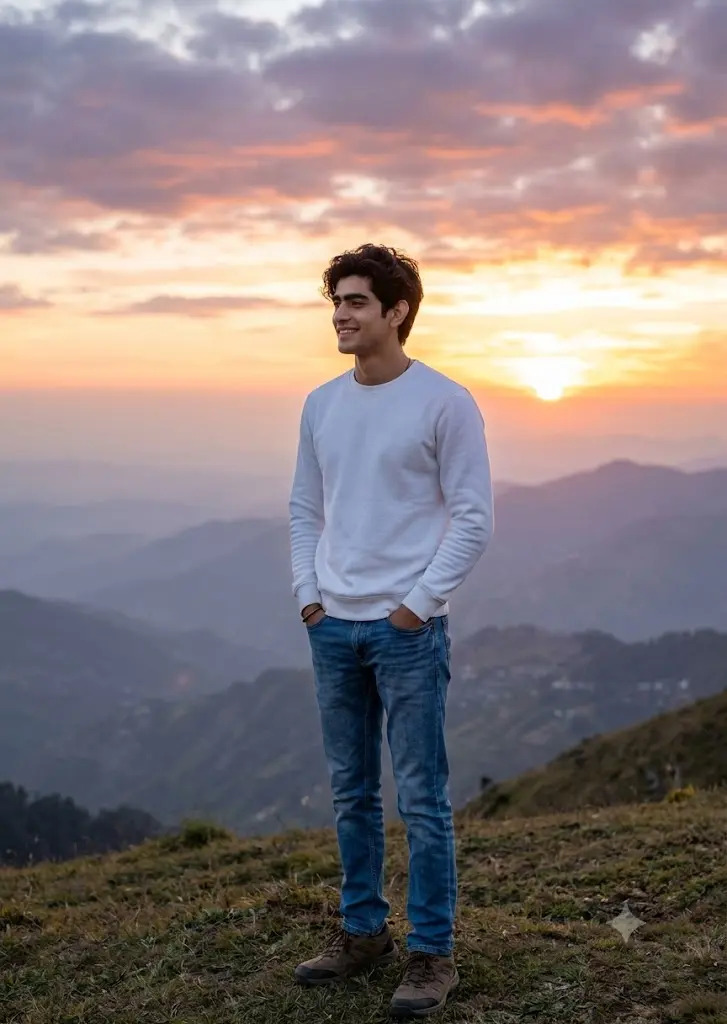
Generate a realistic outdoor portrait of the uploaded user standing on a grassy hill overlooking distant mountains during sunset. Preserve exact facial identity. The user wears a fitted white sweatshirt with blue denim jeans and hiking shoes. Hands rest naturally in pockets while enjoying the mountain view. The setting sun creates realistic golden edge lighting around the subject without looking artificial. The distant mountain range appears slightly hazy beneath a colorful evening sky. Authentic travel photography style with natural exposure.
Lavender Field Evening AI Prompt
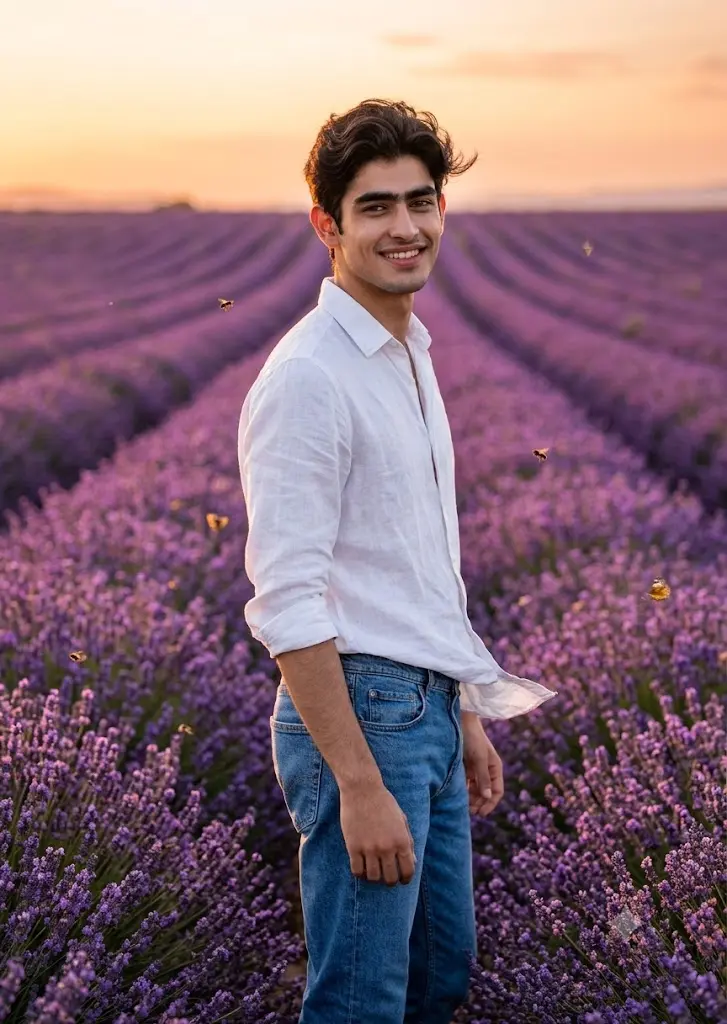
Transform the uploaded user into a realistic portrait standing inside an endless lavender field during golden hour. Preserve facial identity perfectly. The user wears a simple white linen shirt tucked into classic blue jeans. Purple lavender flowers extend toward the horizon while the low evening sun creates soft golden highlights on the face and shoulders. Bees and butterflies appear naturally among the flowers. Soft warm breeze gently moves the shirt and hair. Natural DSLR photography with realistic colors and true-to-life lighting.
How To Use These Golden Hour Gemini Prompts
- Upload A Clear Photo: Use a high-resolution photo where your face is clearly visible with minimal filters.
- Choose Your Favorite Prompt: Pick the golden hour scene that best matches the aesthetic you want.
- Paste It Into Gemini: Upload your image to Gemini and paste the complete prompt without removing the lighting details.
- Generate the image: below is one of the image generated by 3rd prompt.
Customize If Needed – You can easily change the outfit, location, pose, or background while keeping the golden hour lighting instructions the same for consistent results.